How to Change the Desktop Background in Windows 10 and 11
Change your Windows desktop background to a picture, solid color, slideshow, or supported Windows Spotlight background, and adjust how images fit the screen.
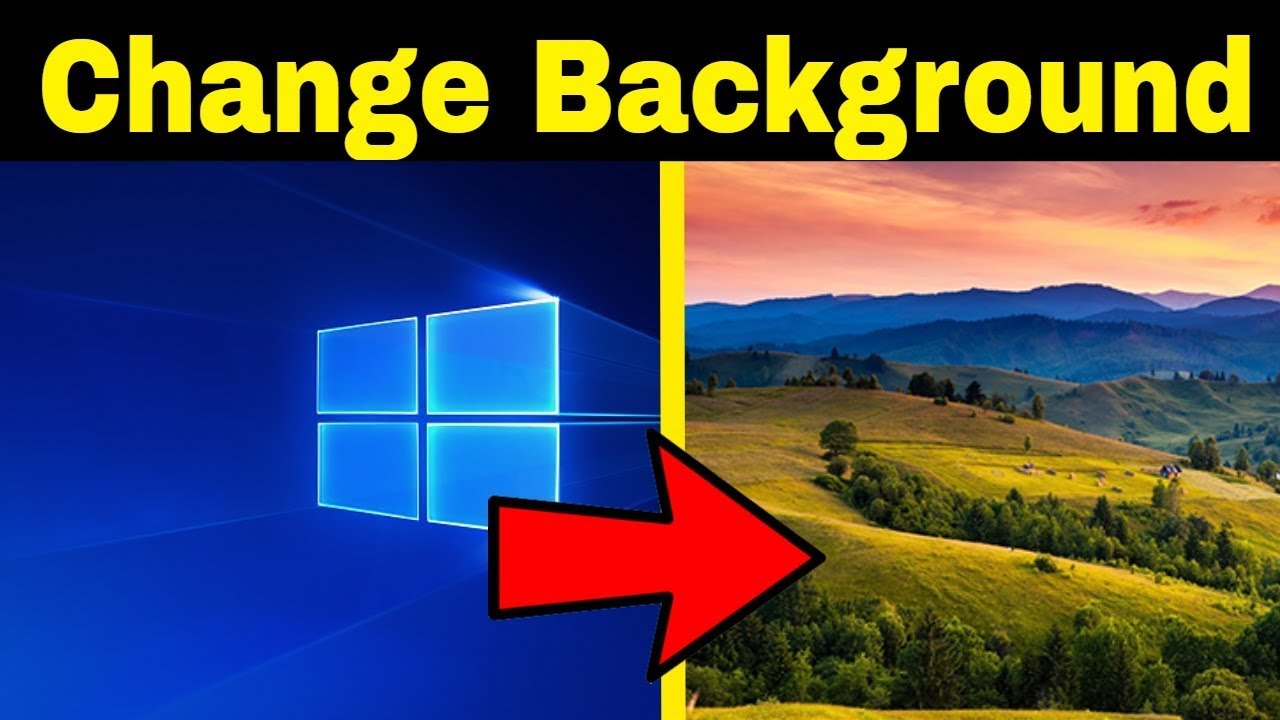
Windows 10 and Windows 11 both let you change the desktop background from Personalization settings. You can use a picture, a solid color, a slideshow, and—where available—Windows Spotlight.
Change the background from Settings
- Right-click an empty area of the desktop and select Personalize.
- Select Background.
- Under Personalize your background, choose the background type you want.
Picture
Choose one of the recent images or select Browse photos to pick another image from your PC.
You can also right-click an image file in File Explorer and choose Set as desktop background.
Solid color
Choose Solid color, then select a color from the available palette.
Slideshow
Choose Slideshow, then select a folder that contains the images you want Windows to rotate through. You can also configure the change interval and shuffle behavior.
Windows Spotlight
On supported Windows configurations, Windows Spotlight can show a changing Microsoft-selected desktop image.
Choose how a picture fits the screen
For picture and slideshow backgrounds, Windows provides several fit options:
- Fill — fills the screen but may crop the image
- Fit — shows the complete image and may leave borders
- Stretch — fills the screen by changing the image proportions
- Tile — repeats a smaller image
- Center — displays the image at its original size in the center
- Span — spreads one image across multiple monitors
Multiple monitors and virtual desktops
Windows can apply different pictures to different physical displays when using a picture background. Windows 11 also supports assigning different picture backgrounds to different virtual desktops.
Some combinations have limitations—for example, slideshow backgrounds and per-monitor/per-virtual-desktop behavior do not support every arrangement.
Windows 10 note: Windows 10 reached end of support on October 14, 2025. The personalization steps remain useful on existing Windows 10 PCs, but Microsoft no longer provides normal free security updates for the operating system.
Official reference
Related posts
Browse all articles →
How to Use Focus Sessions in Windows 11 for Productivity
Use Focus in Windows 11 to reduce distractions, start timed focus sessions, and connect the Clock app with Spotify and Microsoft To Do.
How to Activate Windows 11 Without Entering a Product Key
Learn when Windows 11 can activate through a digital license without asking you to type a 25-character product key, and when a new license is still required.
How to Check if Your PC Is Compatible with Windows 11
Check Windows 11 compatibility with Microsoft PC Health Check and verify the key requirements, including TPM 2.0, UEFI, Secure Boot capability, RAM, storage, and CPU support.