Windows 10 Continuum: The PC and Tablet Transition Microsoft Envisioned in 2015
A historical look at Windows 10 Continuum, Microsoft's 2015 approach to adapting the interface between keyboard-and-mouse and touch-first device modes.
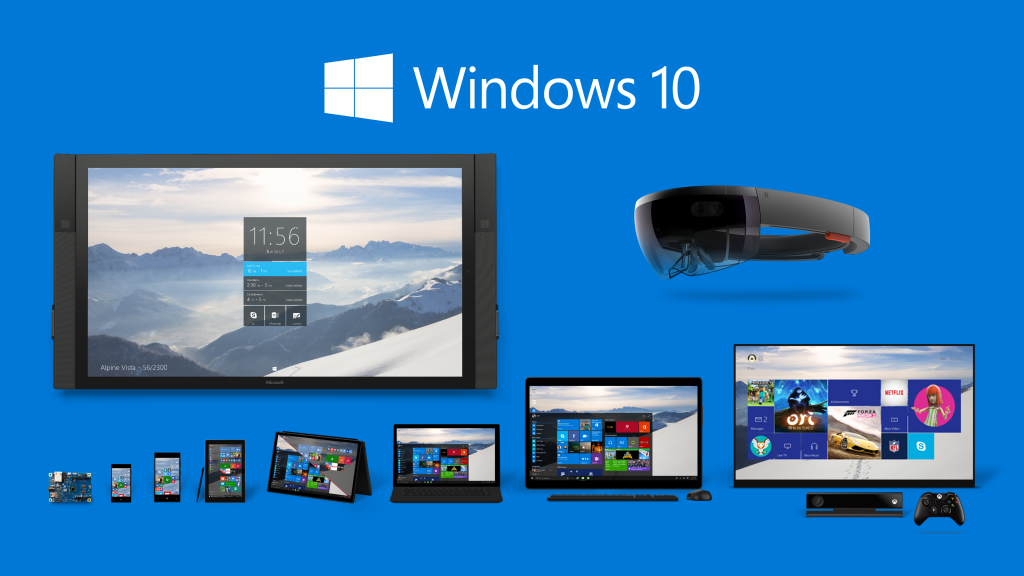
In 2015, one of Microsoft’s central Windows 10 ideas was Continuum: a Windows interface that could adapt to the way a device was being used.
This article is retained as a historical look at that concept. It describes the Windows 10 preview era rather than the behavior of current Windows releases.
What Continuum was designed to solve
Windows 8 used a strongly touch-oriented interface even on many traditional PCs. With Windows 10, Microsoft tried to make the experience more responsive to the device form factor.
On a 2-in-1 PC, Continuum could shift the interface between a desktop-oriented experience and a touch-oriented tablet experience. Connecting or removing a keyboard was one of the scenarios Microsoft used to demonstrate the transition.
In desktop mode, apps behaved more like traditional windows that could be resized and arranged with a mouse and keyboard. In tablet mode, Windows enlarged or simplified interface elements and emphasized touch interaction.
What Microsoft was showing in 2015
Microsoft’s official Windows 10 material described Continuum as a way for the operating system to adapt to the device, display, and input method. Build 10061, released to Windows Insiders in April 2015, included additional tablet-mode changes such as larger taskbar controls and more touch-friendly spacing.
Later in 2015, Microsoft also used the Continuum name for selected Windows phones that could connect to an external display, keyboard, and mouse. That phone scenario was related to the same adaptive-computing idea but was distinct from the PC/tablet mode discussed in this article.
Historical context
Continuum is useful to understand because it shows the design transition between Windows 8 and the first Windows 10 releases. The exact feature names and controls evolved afterward, and this article should not be read as instructions for Windows 11.
Official references
- Microsoft Windows Experience Blog, Continuum on Windows 10: https://blogs.windows.com/windowsexperience/2015/07/27/continuum-on-windows-10/
- Microsoft Windows Insider Blog, Build 10061: https://blogs.windows.com/windows-insider/2015/04/22/windows-10-technical-preview-build-10061-now-available/
Related posts
Browse all articles →
How to Batch Rename Files in Windows with PowerRename and PowerShell
Use Microsoft PowerToys PowerRename or PowerShell to preview and apply advanced bulk file-renaming rules in Windows 10 and 11.
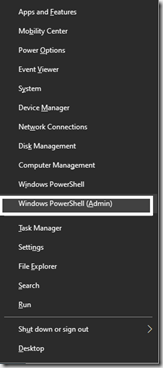
How to Replace PowerShell with Command Prompt in the Windows 10 Win+X Menu (Historical)
Historical Windows 10 instructions for switching the Win+X menu from Windows PowerShell to Command Prompt. This setting does not describe the current Windows 11 menu.
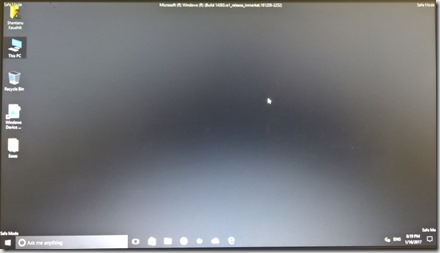
How to Boot Windows 10 into Safe Mode
Step-by-step Windows 10 Safe Mode instructions using Windows Recovery Environment, including Safe Mode with Networking and recovery-media options.