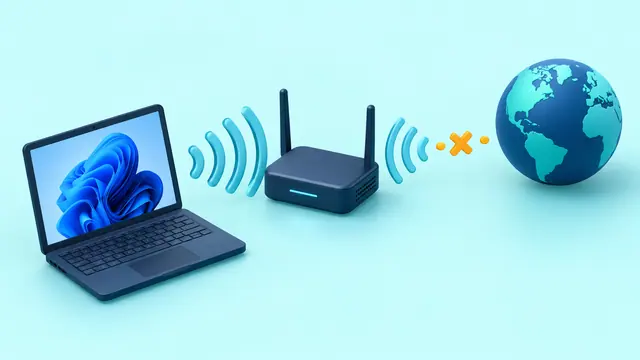
Diagnose slow Internet by separating ISP speed, modem/router, mesh backhaul, Wi-Fi signal, Ethernet, and one-device problems before changing DNS or buying new hardware.
Wi-Fi 7 promises multi-gigabit speeds and lower latency, but you need the right router, client hardware, Windows version, and Internet connection to benefit.
Network Reset can repair stubborn connection problems in Windows 11, but it also removes adapter settings. Prepare first if you use VPNs or virtual adapters.
Share folders between Windows 11 PCs over your home or office LAN using modern file sharing, network discovery, user permissions, and mapped network drives.
Troubleshoot Wi-Fi problems in Windows 10 and 11 with Microsoft's recommended sequence, from basic checks and reconnection to network commands, driver repair, and network reset.
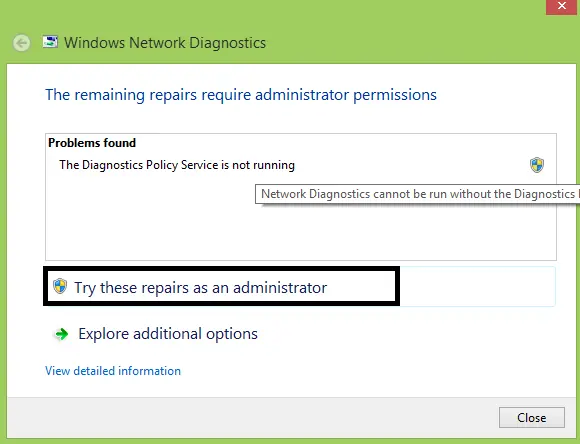
Inspect DPS status and start errors on Windows 8/8.1, separate diagnostic failures from network faults, and avoid unnecessary service-account privileges.