Fix Error 0x800F0906 in Windows 8 or 8.1 (Historical)
Troubleshoot Windows 8/8.1 error 0x800F0906 when Windows cannot download files needed for a feature or component repair.
Historical support note: Windows 8 reached end of support on January 12, 2016, and Windows 8.1 reached end of support on January 10, 2023. This guide is retained for existing legacy systems.
Error 0x800F0906 is associated with Windows being unable to download source files needed for a component or feature operation. Microsoft documents the code as CBS_E_DOWNLOAD_FAILURE in scenarios such as .NET Framework 3.5 installation on Windows 8/8.1.
The original version of this article treated the problem mainly as a Windows Update cache issue. That is not the most reliable diagnosis. First determine whether Windows can reach the required source, or provide a matching repair source.
1. Check network and Windows Update access
If the operation expects to download files from Windows Update:
- Confirm that the PC has Internet access.
- If the PC is managed by an organization, check whether Group Policy or WSUS settings prevent Windows from obtaining optional component files from Windows Update.
- Retry the feature installation or DISM repair.
2. If you are enabling .NET Framework 3.5
Use installation media that matches the installed Windows release and specify its sources\sxs folder as the source.
For example, if the matching Windows media is mounted as D::
DISM /Online /Enable-Feature /FeatureName:NetFx3 /All /Source:D:\sources\sxs /LimitAccessDo not use files from a different Windows release or architecture.
3. If DISM RestoreHealth reports the error
For component-store repair, DISM /Online /Cleanup-Image /RestoreHealth normally uses Windows Update as a repair source. If Windows Update cannot provide the required files, use a known-good repair source that matches the installed Windows image.
Microsoft documents the /Source option for specifying known-good files and /LimitAccess for preventing DISM from contacting Windows Update.
4. Avoid deleting update stores as the first step
Renaming SoftwareDistribution or catroot2 is sometimes used in Windows Update troubleshooting, but it does not address every 0x800F0906 case and should not be presented as the primary fix for a missing repair source.
Official references
- Microsoft Support on 0x800F0906/0x800F081F feature-source errors: https://support.microsoft.com/en-us/servicing/dotnetframework/troubleshooting/you-cannot-enable-the-microsoft-net-framework-3-5-feature-on-windows-server-2012-r2-windows-server-2
- Microsoft DISM repair documentation: https://learn.microsoft.com/en-us/powershell/module/dism/repair-windowsimage
Related posts
Browse all articles →
Fix Windows Boot Error 0xc0000225 in Windows 10 or 8.1
Troubleshoot boot error 0xc0000225 with Startup Repair first, then repair Boot Configuration Data only when needed.
Fix Windows Update Error 0x80080008 in Windows 8 or 8.1 (Historical)
Historical Windows 8/8.1 troubleshooting for update error 0x80080008, with unsupported-OS context and safer repair steps.
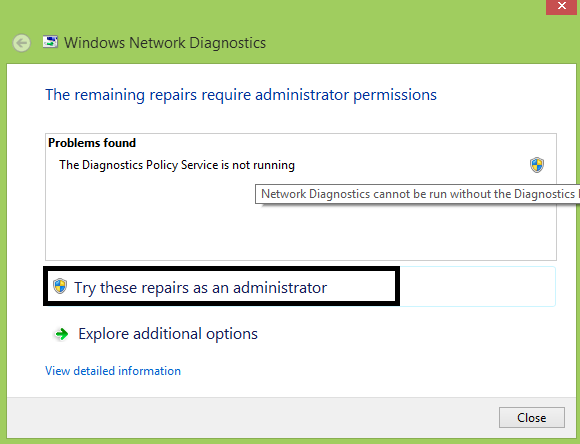
Fix 'Diagnostics Policy Service Is Not Running' in Windows 8 or 8.1 (Historical)
Troubleshoot the Diagnostics Policy Service on Windows 8/8.1 without granting service accounts unnecessary administrator privileges.