Troubleshooting
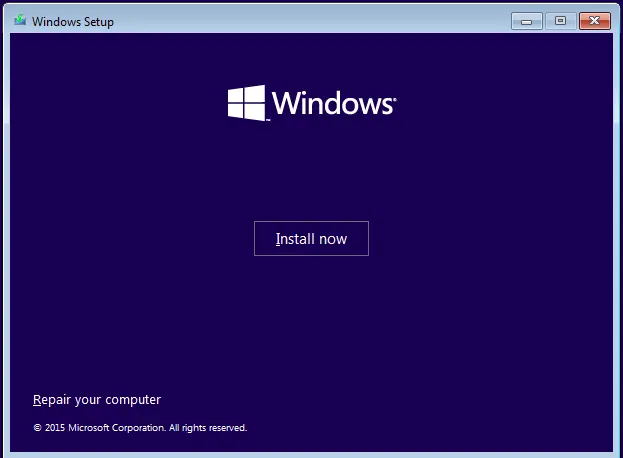
Fix: Windows Recovery Environment (WinRE) Won't Open in Windows 10
Troubleshoot Windows 10 when Advanced startup or Windows Recovery Environment will not open, using supported WinRE checks and recovery media.
63 articles
Troubleshoot Windows 10 when Advanced startup or Windows Recovery Environment will not open, using supported WinRE checks and recovery media.
Troubleshoot boot error 0xc0000225 with Startup Repair first, then repair Boot Configuration Data only when needed.
Historical Windows 8/8.1 troubleshooting for update error 0x80080008, with unsupported-OS context and safer repair steps.
Troubleshoot Windows 8/8.1 error 0x800F0906 when Windows cannot download files needed for a feature or component repair.
Check and repair Windows 8/8.1 component-store corruption with DISM, then run System File Checker to repair protected system files.
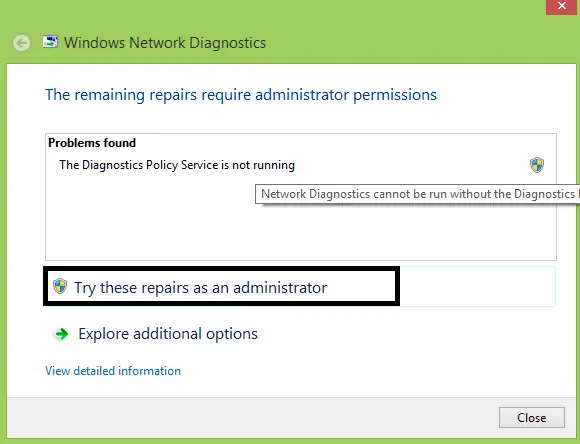
Troubleshoot the Diagnostics Policy Service on Windows 8/8.1 without granting service accounts unnecessary administrator privileges.
Troubleshoot Windows 8.1 error 0x800F081F when DISM or optional-feature installation cannot find the required source files.
Troubleshoot a Windows 8.1 PC that will not enter sleep by checking available sleep states, active power requests, drivers, and wake-enabled devices.
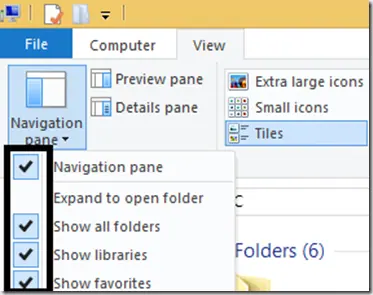
Show Libraries in Windows 8.1 File Explorer and restore the default library definitions when Documents, Pictures, Music, or Videos libraries are broken.
Enable the built-in Windows 8.1 Administrator account only when necessary, set a strong password, and disable it again after troubleshooting.
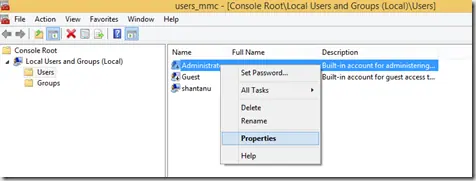
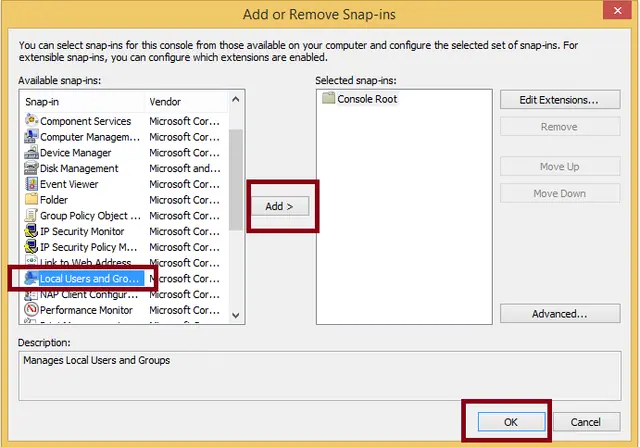
Open the Local Users and Groups MMC snap-in on supported Windows 8/8.1 editions and save a custom MMC console if needed.
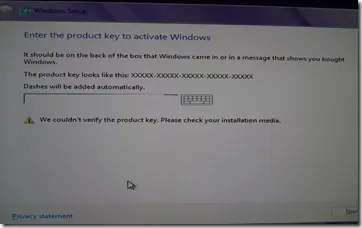
Historical troubleshooting for Windows 8/8.1 Setup when a valid-looking product key cannot be verified, focusing on edition/key mismatch and installation-media problems.
Create desktop shortcuts for shutdown and restart in Windows 8 and pin them to the Start screen using Windows' built-in shutdown command.
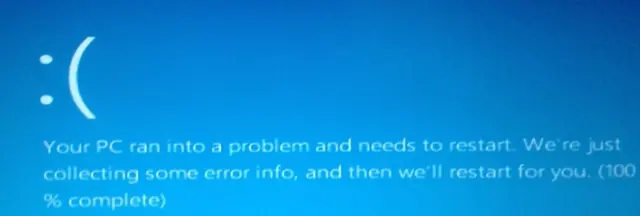
Historical troubleshooting for DRIVER_POWER_STATE_FAILURE (0x9F) on Windows 8/7, focusing on the device, driver, firmware, or power transition responsible for the crash.
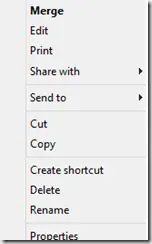
Historical troubleshooting for a missing Open With context-menu entry in Windows 7/8, using file-association, system-repair, and policy checks without unknown registry patches.
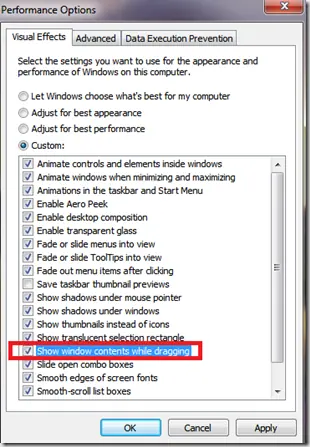
Historical troubleshooting for Windows XP through Windows 8 when window contents disappear or appear transparent while dragging or resizing.
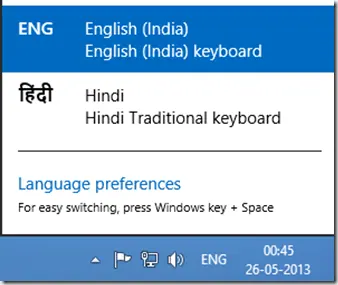
A historical Windows 8 guide to adding another input language and switching keyboard layouts from the taskbar.
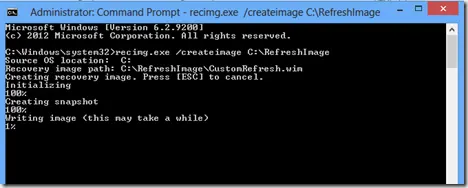
Historical Windows 8 guide to creating and registering a custom Refresh image with Recimg.exe; this recovery model does not apply to modern Windows releases.
Historical Windows 8 troubleshooting for bug check 0x7F, emphasizing hardware/memory faults, overclocking, and driver diagnosis rather than one-size-fits-all repair steps.
Historical Windows 8 guidance for INTERNAL_POWER_ERROR (0xA0) on resume from hibernate, including Microsoft's documented cumulative-update fix for one specific scenario.