Troubleshooting
Troubleshoot a Failed Windows 8 Upgrade or Clean Installation (Historical)
Historical Windows 8 setup troubleshooting focused on compatibility, reliable media, free space, disconnected peripherals, setup logs, and storage health.
55 articles · Page 2
Historical Windows 8 setup troubleshooting focused on compatibility, reliable media, free space, disconnected peripherals, setup logs, and storage health.
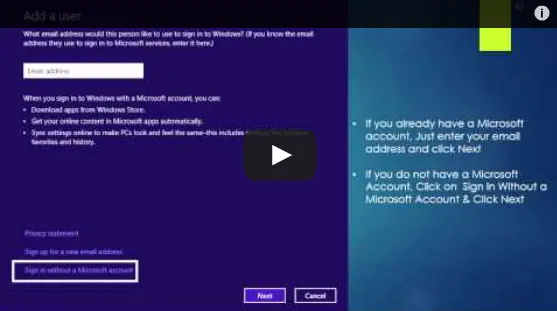
Historical Windows 8 guide to adding a Microsoft account and enabling the operating system's original settings-sync experience across Windows 8 devices.
Choose and verify a Windows 8 multi-monitor layout, distinguish detection from arrangement problems, and isolate cable, input and driver faults.
Safer data-first troubleshooting for a Windows drive or partition that suddenly appears as RAW and cannot be opened.
Historical troubleshooting for Internet Explorer video playback problems, updated to remove obsolete Flash, Silverlight, and Java installation advice.
Safer legacy troubleshooting for a keyboard or mouse that works before Windows loads but stops responding at or after sign-in.
Historical Windows 8 startup-recovery guidance for a blank screen or failure to boot after a crash, power loss, shutdown, or hibernation problem.
Historical Windows 8 troubleshooting for a firewall that cannot be enabled, including required services, third-party security conflicts, system-file repair, and firewall reset.
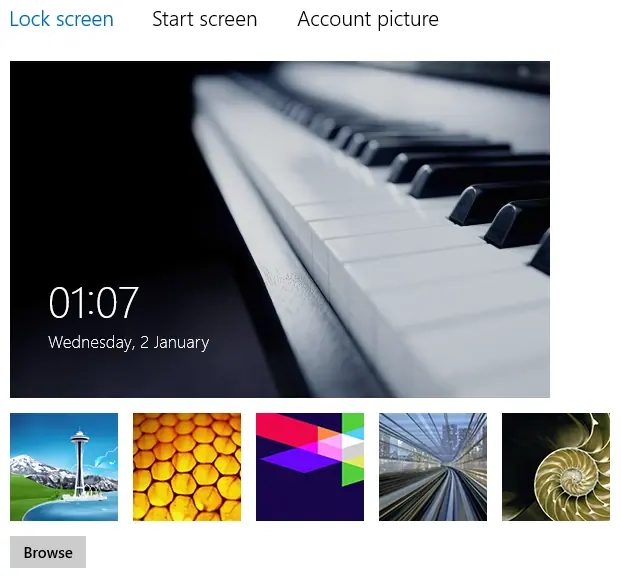
Historical Windows 8 troubleshooting when lock-screen personalization is blocked or the selected image does not appear.
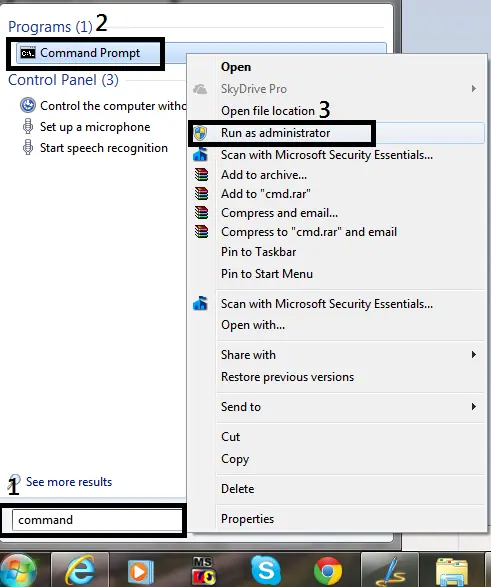
Historical guide to opening an elevated Command Prompt in Windows 8, Windows 7, and Windows Vista.
Historical troubleshooting for Windows 8 Microsoft-account sign-in problems, covering account verification, network, keyboard layout, local accounts, and system-file checks.
Historical Windows 8 troubleshooting for a PC that powers off or restarts while idle, with power-plan, event-log, thermal, and hardware checks.
Historical troubleshooting for password-protected file sharing settings that will not stay disabled in Windows 8, Windows 7, or Windows Vista.
Historical Windows 8 troubleshooting for Windows Update failures, using restart, built-in troubleshooting, DISM, SFC, and clean-boot checks without unsafe blanket driver or antivirus changes.
Historical Windows 8 Hyper-V boot troubleshooting focused on hardware virtualization requirements, recovery, and safely disabling the hypervisor when needed.
Historical Windows 8 shortcut reference with Start customization, administrative tools, app-switching and snapping behavior, plus Windows 8.1 differences.
Historical troubleshooting for laptop touchpad cursor jumps, focusing on palm rejection, OEM drivers, sensitivity, charger interference, and hardware isolation.
Historical Windows 8 guide distinguishing a USB recovery drive from a separate CD/DVD system repair disc.
A historical Windows 8 Refresh guide covering file and app consequences, backup preparation, Windows 8/8.1 entry points, recovery failures, and the original video.
Historical Windows 8 Mail guide to account setup, per-account signatures and sync troubleshooting, with clear limits for retired clients and sign-in methods.