Fix: Mouse or Touchpad Pointer Jumps While Typing in Windows 8, 7, Vista, or XP (Historical)
Historical troubleshooting for laptop touchpad cursor jumps, focusing on palm rejection, OEM drivers, sensitivity, charger interference, and hardware isolation.
Historical support note: This guide targets older Windows laptops and their manufacturer-specific touchpad drivers. Menu names differ by touchpad vendor and model.
A pointer that jumps while you type is usually caused by accidental touchpad contact, weak palm rejection, a touchpad-driver issue, or—less commonly—electrical interference or failing hardware.
1. Check touchpad sensitivity and palm rejection
Open the manufacturer’s touchpad settings from Control Panel > Mouse or its dedicated control panel. Look for options such as:
- PalmCheck / palm rejection
- touch sensitivity
- tap-to-click
- edge/gesture controls
- touchpad delay while typing
Increase palm rejection or reduce sensitivity before disabling the touchpad completely.
The original article suggested clearing Hide pointer while typing. That option only controls whether the pointer is visually hidden while you type; it does not prevent the touchpad from moving the pointer, so it is not used as a primary fix here.
2. Install the correct OEM touchpad driver
Download the touchpad/pointing-device driver from the laptop manufacturer’s support page for the exact model and Windows version. Avoid generic driver-updater utilities.
If the problem began after a driver update, rolling back to the laptop manufacturer’s known-good version can be useful.
3. Isolate the touchpad
- Temporarily disable the touchpad and test with an external mouse.
- If the cursor still jumps, the cause is not limited to the touchpad.
- If the problem disappears, re-enable the touchpad and adjust its settings/driver.
4. Check charger-related interference
If the problem happens only while the laptop is plugged in, test with the correct manufacturer-approved charger and a properly grounded outlet. A damaged or unsuitable charger can introduce electrical noise that affects some touchpads.
Do not continue using a charger that is damaged, overheating, or electrically unsafe.
Official reference
- Microsoft Windows lifecycle status: https://support.microsoft.com/en-us/windows/deployment/updates-lifecycle/what-does-it-mean-if-windows-isn-t-supported
Related posts
Browse all articles →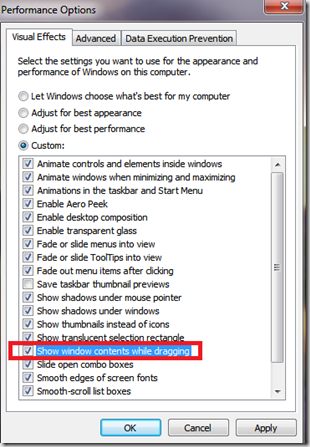
Fix Windows Turning Transparent While Dragging or Resizing (Windows XP–8, Historical)
Historical troubleshooting for Windows XP through Windows 8 when window contents disappear or appear transparent while dragging or resizing.

Keyboard and Mouse Stop Working After Windows Sign-In (XP–8, Historical)
Safer legacy troubleshooting for a keyboard or mouse that works before Windows loads but stops responding at or after sign-in.
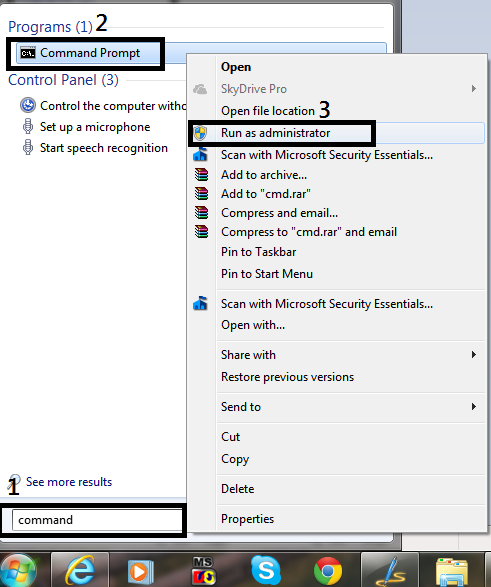
How to Open Command Prompt as Administrator in Windows 8, 7, and Vista (Historical)
Historical guide to opening an elevated Command Prompt in Windows 8, Windows 7, and Windows Vista.