Fix Windows Setup Error 0x80FE0000 or 0x80FF0000 in Windows 7/Vista (Historical)
Preserve data and collect phase-specific Windows 7/Vista Setup logs for errors 0x80FE0000 or 0x80FF0000 before changing media, controllers or partitions.
52 articles
Preserve data and collect phase-specific Windows 7/Vista Setup logs for errors 0x80FE0000 or 0x80FF0000 before changing media, controllers or partitions.
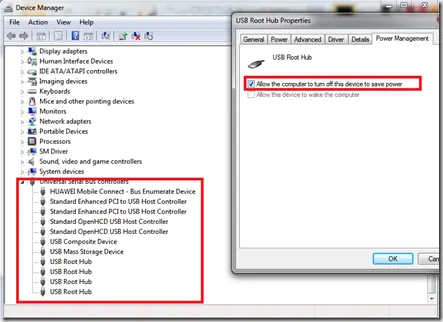
Historical troubleshooting for Windows 7/Vista systems that crash with 0x9F or 0xFE around sleep or USB activity, with the two bug checks correctly separated.
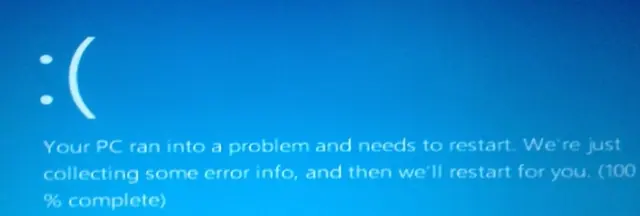
Historical troubleshooting for DRIVER_POWER_STATE_FAILURE (0x9F) on Windows 8/7, focusing on the device, driver, firmware, or power transition responsible for the crash.
Historical guidance for Windows 7/Vista crashes with VIDEO_MEMORY_MANAGEMENT_INTERNAL (0x10E) or SPECIAL_POOL_DETECTED_MEMORY_CORRUPTION (0xC1).
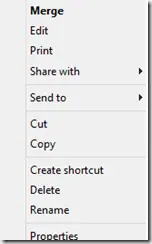
Historical troubleshooting for a missing Open With context-menu entry in Windows 7/8, using file-association, system-repair, and policy checks without unknown registry patches.
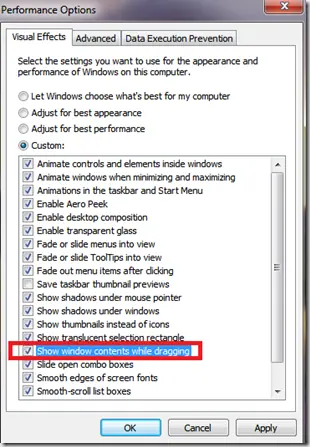
Historical troubleshooting for Windows XP through Windows 8 when window contents disappear or appear transparent while dragging or resizing.
Historical troubleshooting for PAGE_FAULT_IN_NONPAGED_AREA (0x50), focusing on faulty drivers/services, antivirus software, NTFS corruption, and failing memory or hardware.
Historical Windows 7 recovery for Microsoft's documented Bootcat.cache-related 0x6B startup failure, while noting that 0x6B can also have other disk/boot causes.
Historical Windows Media Player troubleshooting for the 'Server execution failed' error on Windows XP through Windows 8, with unsafe privilege changes removed.
Historical Windows 7 troubleshooting for activation error 0x80070005 when licensing access is blocked by permissions or Plug and Play policy settings.
Safer data-first troubleshooting for a Windows drive or partition that suddenly appears as RAW and cannot be opened.
Historical troubleshooting for Windows 7/Vista when Explorer repeatedly forgets saved folder-view settings.
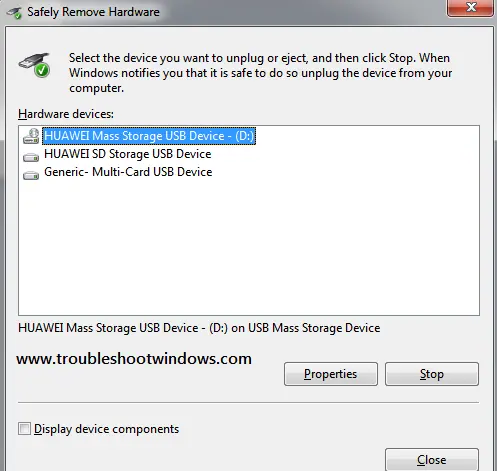
Historical Windows 7/Vista troubleshooting for the Safely Remove Hardware icon or dialog when removable devices are connected.
Historical troubleshooting for Internet Explorer video playback problems, updated to remove obsolete Flash, Silverlight, and Java installation advice.
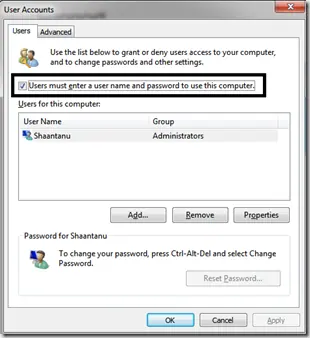
Historical Windows 7 troubleshooting for the Microsoft-documented Interactive Logon Process Initialization Failure, including the automatic-logon trigger.
Safer legacy troubleshooting for a keyboard or mouse that works before Windows loads but stops responding at or after sign-in.
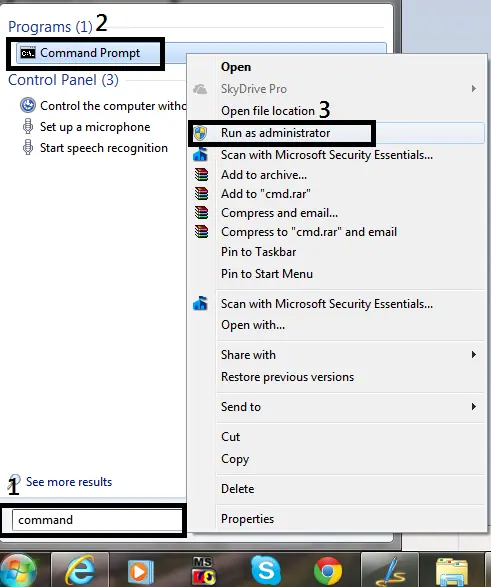
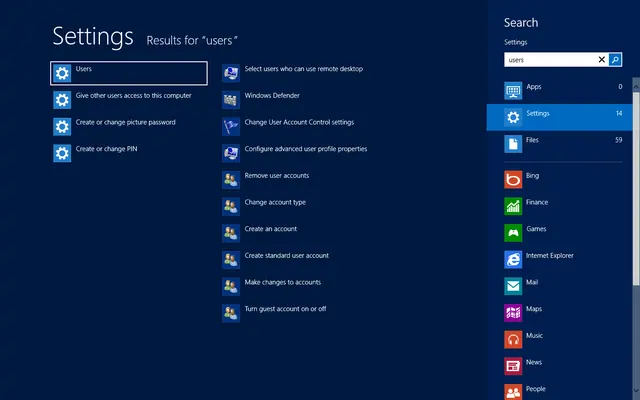
Historical guide to opening an elevated Command Prompt in Windows 8, Windows 7, and Windows Vista.
Historical troubleshooting for password-protected file sharing settings that will not stay disabled in Windows 8, Windows 7, or Windows Vista.
Historical guide to reducing automatic media execution in Windows 7, Vista, and XP using AutoPlay policy rather than error-prone registry edits.
Historical troubleshooting for laptop touchpad cursor jumps, focusing on palm rejection, OEM drivers, sensitivity, charger interference, and hardware isolation.