Fix DRIVER_POWER_STATE_FAILURE (0x9F) in Windows 8 or 7 (Historical)
Historical troubleshooting for DRIVER_POWER_STATE_FAILURE (0x9F) on Windows 8/7, focusing on the device, driver, firmware, or power transition responsible for the crash.
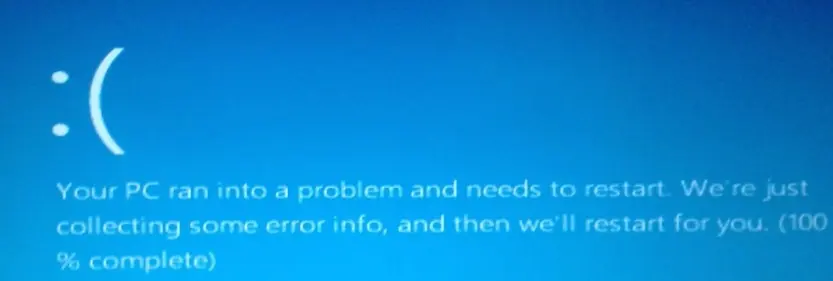
Historical support note: Windows 8 and Windows 7 are no longer supported by Microsoft.
DRIVER_POWER_STATE_FAILURE has bug check value 0x0000009F. Microsoft defines it as a driver entering an inconsistent or invalid power state. It commonly appears while Windows is shutting down, sleeping, hibernating, waking, or otherwise changing device power states.
1. Identify what changed
If the crashes began after installing a device, driver, utility, or firmware update, start there. Remove the new device temporarily or roll back/update its driver.
In Device Manager, look for devices with warning icons and inspect their event information. Also check Event Viewer > Windows Logs > System around the crash time.
2. Update the relevant drivers
Prefer the driver supplied by the PC, motherboard, or hardware manufacturer for that exact model. Common areas to check include:
- chipset and power-management drivers
- graphics
- storage/AHCI
- Wi-Fi/Bluetooth
- USB devices and controllers
Do not update every driver indiscriminately when one device is clearly implicated.
3. Check firmware only when appropriate
Microsoft’s own 0x9F guidance notes that system ACPI/BIOS or other firmware can be involved. Check the manufacturer’s release notes and follow its update procedure exactly.
A firmware update is not a generic first step: an interrupted or incorrect update can make a system unbootable.
4. Test power-management interactions
If the crash consistently occurs during sleep or hibernate, temporarily changing the power-saving behavior for the suspected device can help isolate the problem. Revert unnecessary changes after testing.
5. Driver Verifier is an advanced diagnostic tool
The original version of this article recommended leaving Driver Verifier running for a day or more on a normal PC. Microsoft’s current documentation explicitly warns that Driver Verifier can deliberately crash the computer and says it should be used on systems intended for testing and debugging.
Do not use Driver Verifier as a routine consumer fix. If you are debugging a reproducible driver problem and understand crash-dump analysis, Microsoft’s documentation explains how to use it safely.
Official references
- Microsoft Bug Check 0x9F: https://learn.microsoft.com/en-us/windows-hardware/drivers/debugger/bug-check-0x9f--driver-power-state-failure
- Microsoft Driver Verifier: https://learn.microsoft.com/en-us/windows-hardware/drivers/devtest/driver-verifier
- Microsoft Windows lifecycle status: https://support.microsoft.com/en-us/windows/deployment/updates-lifecycle/what-does-it-mean-if-windows-isn-t-supported
Related posts
Browse all articles →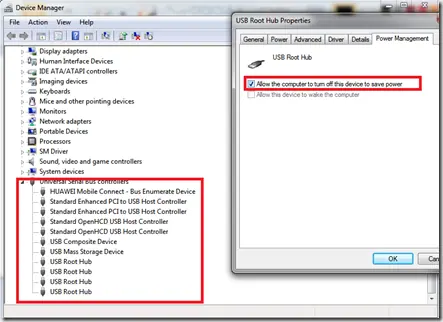
Troubleshoot Stop 0x9F or 0xFE on AMD-Based Windows 7/Vista PCs (Historical)
Historical troubleshooting for Windows 7/Vista systems that crash with 0x9F or 0xFE around sleep or USB activity, with the two bug checks correctly separated.
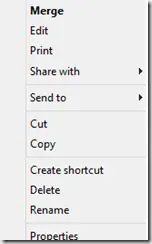
Fix a Missing 'Open With' Menu in Windows 7 or 8 (Historical)
Historical troubleshooting for a missing Open With context-menu entry in Windows 7/8, using file-association, system-repair, and policy checks without unknown registry patches.
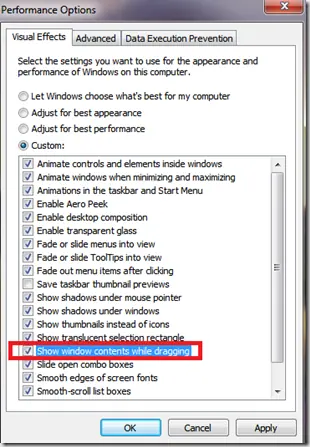
Fix Windows Turning Transparent While Dragging or Resizing (Windows XP–8, Historical)
Historical troubleshooting for Windows XP through Windows 8 when window contents disappear or appear transparent while dragging or resizing.