Troubleshooting
Fix DRIVER_PORTION_MUST_BE_NONPAGED in Windows 10
Troubleshoot the DRIVER_PORTION_MUST_BE_NONPAGED (0xD3) stop error in Windows 10 by isolating drivers and recent hardware changes.
12 articles
Troubleshoot the DRIVER_PORTION_MUST_BE_NONPAGED (0xD3) stop error in Windows 10 by isolating drivers and recent hardware changes.
Preserve data and collect phase-specific Windows 7/Vista Setup logs for errors 0x80FE0000 or 0x80FF0000 before changing media, controllers or partitions.
Historical troubleshooting for DRIVER_POWER_STATE_FAILURE (0x9F) on Windows 8/7, focusing on the device, driver, firmware, or power transition responsible for the crash.
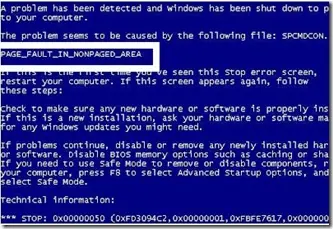
Historical troubleshooting for PAGE_FAULT_IN_NONPAGED_AREA (0x50), focusing on faulty drivers/services, antivirus software, NTFS corruption, and failing memory or hardware.
Historical Windows 7 recovery for Microsoft's documented Bootcat.cache-related 0x6B startup failure, while noting that 0x6B can also have other disk/boot causes.
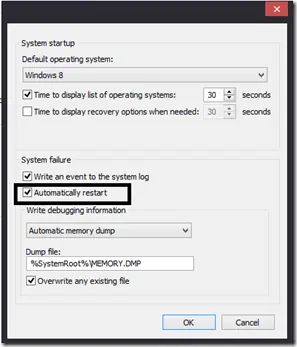
Historical Windows guide to keeping a blue-screen stop message visible by disabling automatic restart after a system failure.
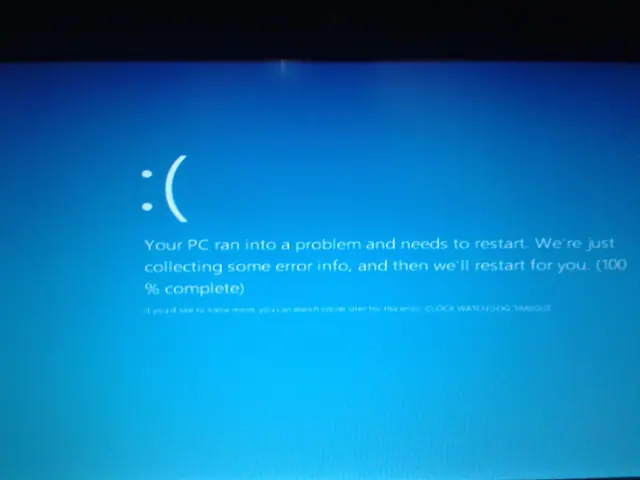
Troubleshoot the CLOCK_WATCHDOG_TIMEOUT 0x101 blue-screen error by checking CPU stability, firmware, chipset drivers, recent hardware changes, and crash dumps.
Diagnose Windows 7 stop error 0xED, identify the boot volume, protect files and choose Startup Repair or disk checks with clear stop conditions.
Historical troubleshooting guide for the 0x0000007B INACCESSIBLE_BOOT_DEVICE blue-screen error in Windows 7, Vista, and XP.
Historical 0x7F diagnosis for Windows 7 and Windows 8, with separate SP1 cases, hardware and driver checks, dump interpretation and firmware safeguards.
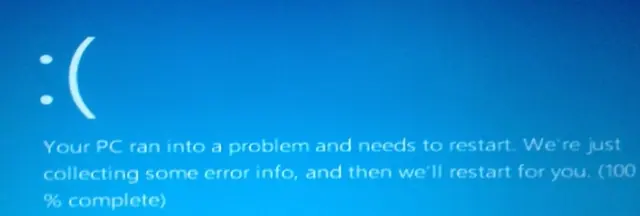
Distinguish a Windows stop-code crash from a blank display, collect useful evidence, and choose a targeted recovery step without guessing from screen colour.
Interpret 0x7A status codes, preserve storage evidence, distinguish disk and memory tests, and verify repairs on legacy Windows systems.