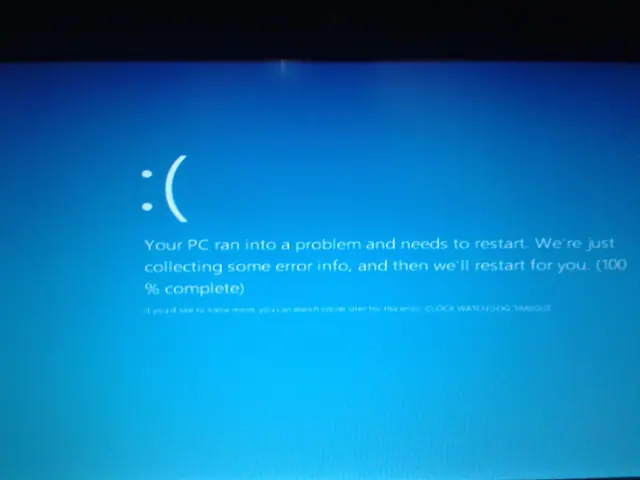
Fix CLOCK_WATCHDOG_TIMEOUT (0x101) in Windows 10, 8.1, or 8 — Legacy Guide
Troubleshoot the CLOCK_WATCHDOG_TIMEOUT 0x101 blue-screen error by checking CPU stability, firmware, chipset drivers, recent hardware changes, and crash dumps.
55 articles · Page 3
Troubleshoot the CLOCK_WATCHDOG_TIMEOUT 0x101 blue-screen error by checking CPU stability, firmware, chipset drivers, recent hardware changes, and crash dumps.
Historical Windows 8 troubleshooting for Store/Metro apps that display a splash screen and immediately fail to open.
Original Windows 8 launch-day commentary with a checked 2012 RTM, MSDN/TechNet and public-release timeline, plus historical upgrade-offer context.
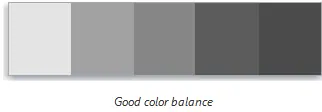
Historical Windows 7/8 guide to using Display Color Calibration for gamma, brightness, contrast, color balance, and ClearType.
Historical Windows 7/Vista troubleshooting for applications that frequently stop responding, with resource, disk, memory, driver, and system-file checks.
Historical Wi-Fi troubleshooting for Windows 8/7/Vista/XP when the wireless adapter is off, missing, disabled, or unable to see nearby networks.
Historical troubleshooting for antivirus products that downloaded definitions but still reported an outdated status on older Windows releases.
Historical device-detection troubleshooting for older Windows versions using connection checks, Device Manager, OEM drivers, and hardware diagnostics.
Historical troubleshooting for laptop brightness sliders and function keys that stop working on older Windows versions.
Historical external-drive troubleshooting for older Windows versions, emphasizing safe cable, power, Device Manager, and Disk Management checks without risking existing data.
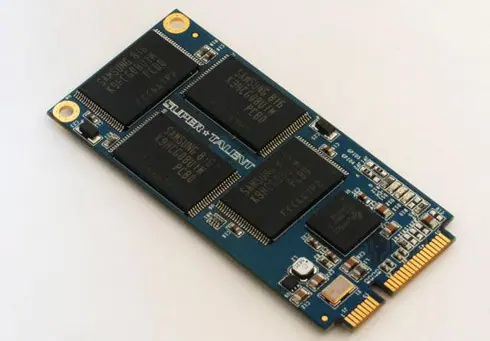
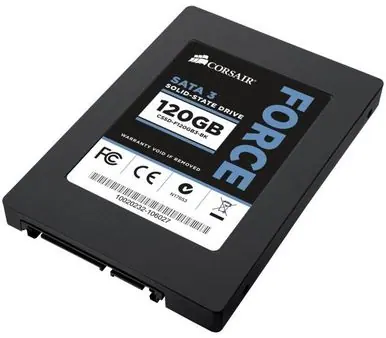
Updated historical SSD guidance explaining AHCI, TRIM, Windows drive optimization, indexing, write caching, and what not to disable on modern SSD-aware Windows releases.
Historical explanation of partition alignment, why modern Windows setup normally aligns partitions automatically, and why destructive DiskPart realignment should not be routine maintenance.
Archive note on Microsoft introducing its four-color square logo and Segoe wordmark in August 2012, its first major corporate logo change since 1987.
Historical battery-life troubleshooting for Windows 8, 7, Vista, and XP laptops, focusing on power settings, brightness, background activity, devices, and battery health.
Historical troubleshooting for flickering, scrambled graphics, or lines across a PC display, separating driver/app faults from cables, monitors, GPUs, and laptop display hardware.