Fix Antivirus Still Showing Out of Date After Updating — Windows 8/7/Vista/XP (Historical)
Historical troubleshooting for antivirus products that downloaded definitions but still reported an outdated status on older Windows releases.

Historical support note: This article covers Windows 8/7/Vista/XP-era antivirus products. These Windows versions are unsupported, and many security products that once supported them have also ended service.
When antivirus software downloads updates but still reports Out of date, the problem may be the system clock, a failed definition install, a damaged security product, or an operating system that the vendor no longer supports.
1. Check date, time, and time zone
Security signatures are time-sensitive. Make sure the system clock and time zone are correct before troubleshooting the antivirus itself.
2. Restart and check the product’s update history
After an update, restart Windows and reopen the antivirus dashboard. Look for the definition/version date and any update error code.
3. Use the security vendor’s repair/update procedure
Use only the antivirus vendor’s official support page or built-in updater. Avoid manually copying definition databases from third-party download sites.
4. Check whether the product and Windows version are still supported
This is now the most important step for a legacy PC. An antivirus product cannot make an unsupported operating system equivalent to a supported one.
For example, Microsoft Security Essentials itself reached end of service for Windows 7; Microsoft recommends moving to a supported Windows release.
5. Reinstall only if the vendor recommends it
If the updater is corrupt, use the vendor’s official cleanup/reinstall instructions. Do not install multiple real-time antivirus products at the same time.
The original article treated Windows Update as a prerequisite for all third-party definition updates. Windows updates are important, but third-party antivirus signatures are delivered by the security vendor and should be diagnosed using that product’s own status/error information.
Official references
- Microsoft: Microsoft Security Essentials lifecycle: https://support.microsoft.com/en-us/security/what-is-microsoft-security-essentials
- Microsoft Windows lifecycle status: https://support.microsoft.com/en-us/windows/deployment/updates-lifecycle/what-does-it-mean-if-windows-isn-t-supported
Related posts
Browse all articles →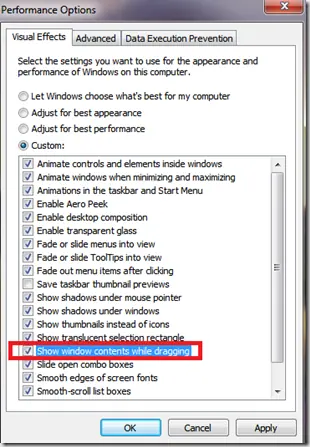
Fix Windows Turning Transparent While Dragging or Resizing (Windows XP–8, Historical)
Historical troubleshooting for Windows XP through Windows 8 when window contents disappear or appear transparent while dragging or resizing.
Keyboard and Mouse Stop Working After Windows Sign-In (XP–8, Historical)
Safer legacy troubleshooting for a keyboard or mouse that works before Windows loads but stops responding at or after sign-in.
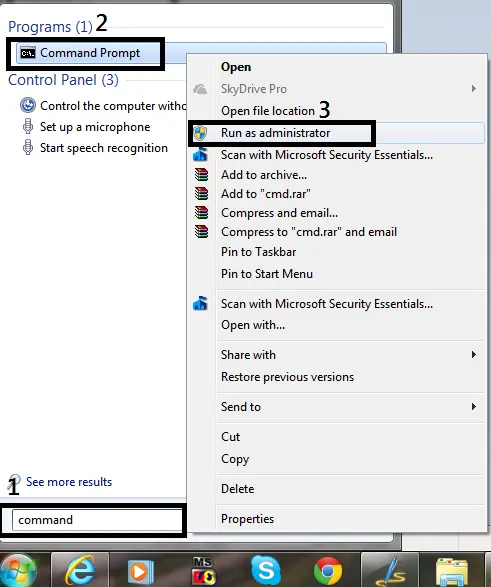
How to Open Command Prompt as Administrator in Windows 8, 7, and Vista (Historical)
Historical guide to opening an elevated Command Prompt in Windows 8, Windows 7, and Windows Vista.