Windows guides
How to Enable Hyper-V and Create a Virtual Machine in Windows 11
Enable Hyper-V in Windows 11 Pro, Enterprise, or Education, verify hardware virtualization, and create your first virtual machine without third-party software.
5 articles
Enable Hyper-V in Windows 11 Pro, Enterprise, or Education, verify hardware virtualization, and create your first virtual machine without third-party software.
Create an external, internal, or private Hyper-V virtual switch in Windows 10 and attach virtual machines to the network you need.
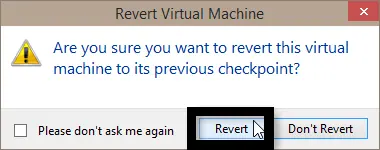
Restore a Hyper-V virtual machine to an existing checkpoint in Windows 10 and understand the difference between Apply and Create Checkpoint and Apply.
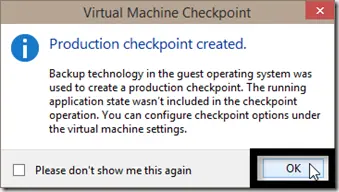
Choose Hyper-V checkpoint and fallback behavior, check storage and backups, verify creation and clean up safely on Windows 10.
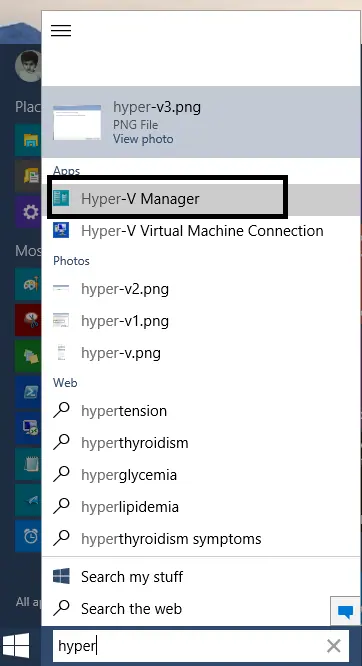
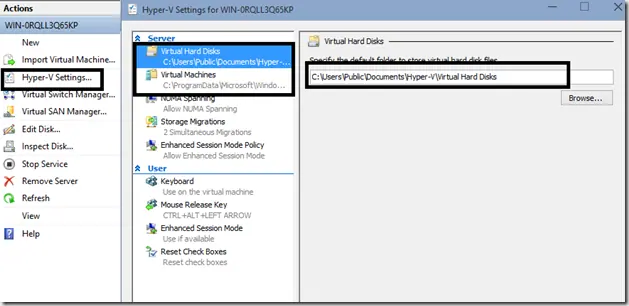
Enable Hyper-V, connect to the local host, and choose VM storage paths in this combined historical Windows 10 preview guide, with modern documentation clearly separated.