Troubleshooting
How to Use Point-in-Time Restore in Windows 11
Point-in-Time Restore can roll Windows 11 back to a recent full-system snapshot, including apps, settings, and personal files.
91 articles
Point-in-Time Restore can roll Windows 11 back to a recent full-system snapshot, including apps, settings, and personal files.
Some PCs still use older Secure Boot certificates. Learn how to check the 2023 certificate status and what to do if Windows reports an incomplete update.
Windows 11 26H1 is not a normal feature update. Here is how it differs from 25H2 and what existing Windows 11 users should do.
Quick Machine Recovery can search Windows Update for a fix when Windows 11 cannot boot. Here is how to enable and use it.
Use the built-in Windows Update recovery option to reinstall your current Windows 11 version while keeping apps, files, and settings.
Stuck at the BitLocker recovery screen? Learn where to find the 48-digit recovery key and what to do if you cannot locate it.
Use Windows Backup to save important files, settings, app preferences, and Wi-Fi information and restore them when setting up a Windows 11 PC.
There can be several reasons your system has stopped producing sound. Here are a few common checkpoints:
Troubleshoot Wi-Fi problems in Windows 10 and 11 with Microsoft's recommended sequence, from basic checks and reconnection to network commands, driver repair, and network reset.
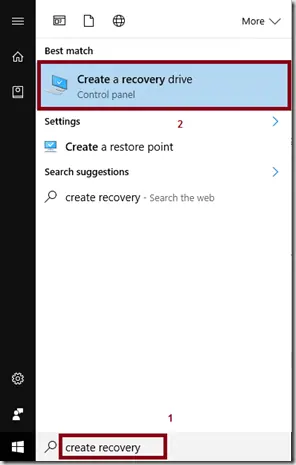
Create a Windows 10 recovery drive on an empty USB device and understand what the recovery drive does and does not back up.
Troubleshoot Windows 10 when Advanced startup or Windows Recovery Environment will not open, using supported WinRE checks and recovery media.
Troubleshoot boot error 0xc0000225 with Startup Repair first, then repair Boot Configuration Data only when needed.
Troubleshoot the DRIVER_PORTION_MUST_BE_NONPAGED (0xD3) stop error in Windows 10 by isolating drivers and recent hardware changes.
Use Windows Recovery Environment to repair the 'Your PC did not start correctly' loop in Windows 10 without jumping straight to destructive reset steps.
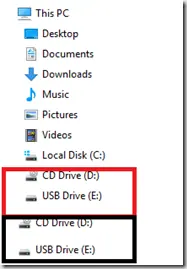
Historical Windows 10 registry workaround for the old File Explorer issue that displayed removable drives twice in the navigation pane.
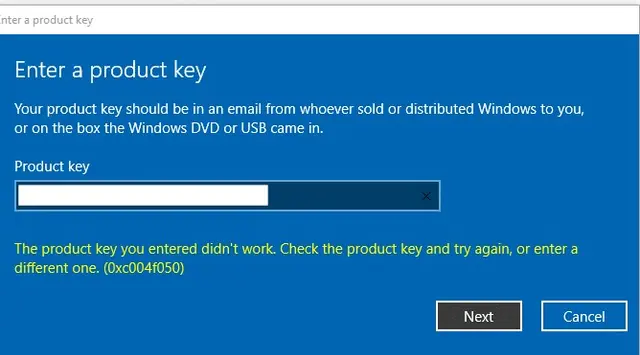
Troubleshoot Windows 10 activation error 0xC004F050 by checking the edition, product key, digital license, and Activation troubleshooter.
Troubleshoot WordPress media upload HTTP errors by checking server limits, Site Health, logs, and WordPress memory settings instead of assuming one cause.
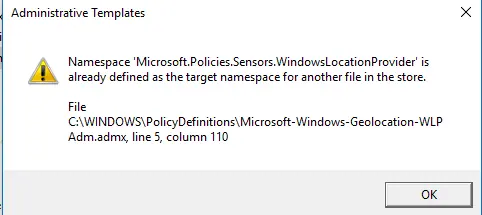
Historical fix for the Microsoft.Policies.Sensors.WindowsLocationProvider duplicate namespace error seen when early Windows 10 builds opened Group Policy Editor.
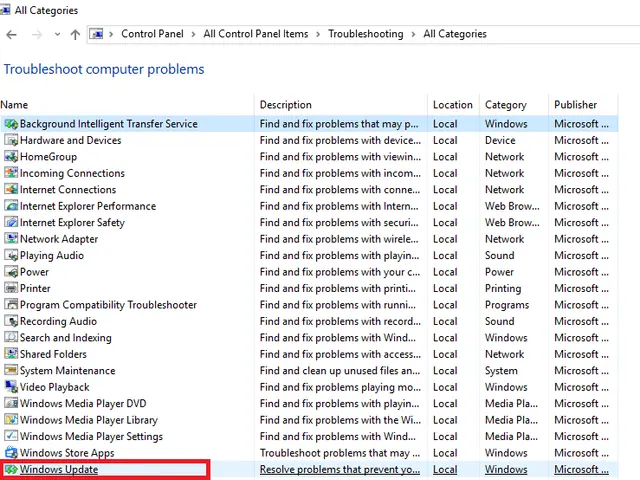
Run Microsoft's Windows Update troubleshooter on Windows 10 and follow the supported recovery sequence after it finishes.
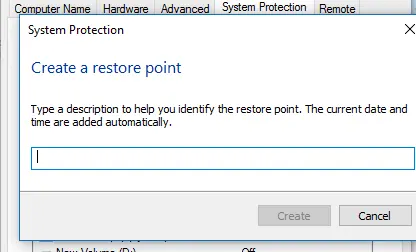
Turn on System Protection, create a Windows 10 restore point, and use System Restore when a driver, app, or system change causes problems.