Windows 8 Start Screen and Power-User Shortcuts — Historical Guide
Historical guide to Windows 8 Start screen customization and keyboard shortcuts such as Windows+X and Windows+I.
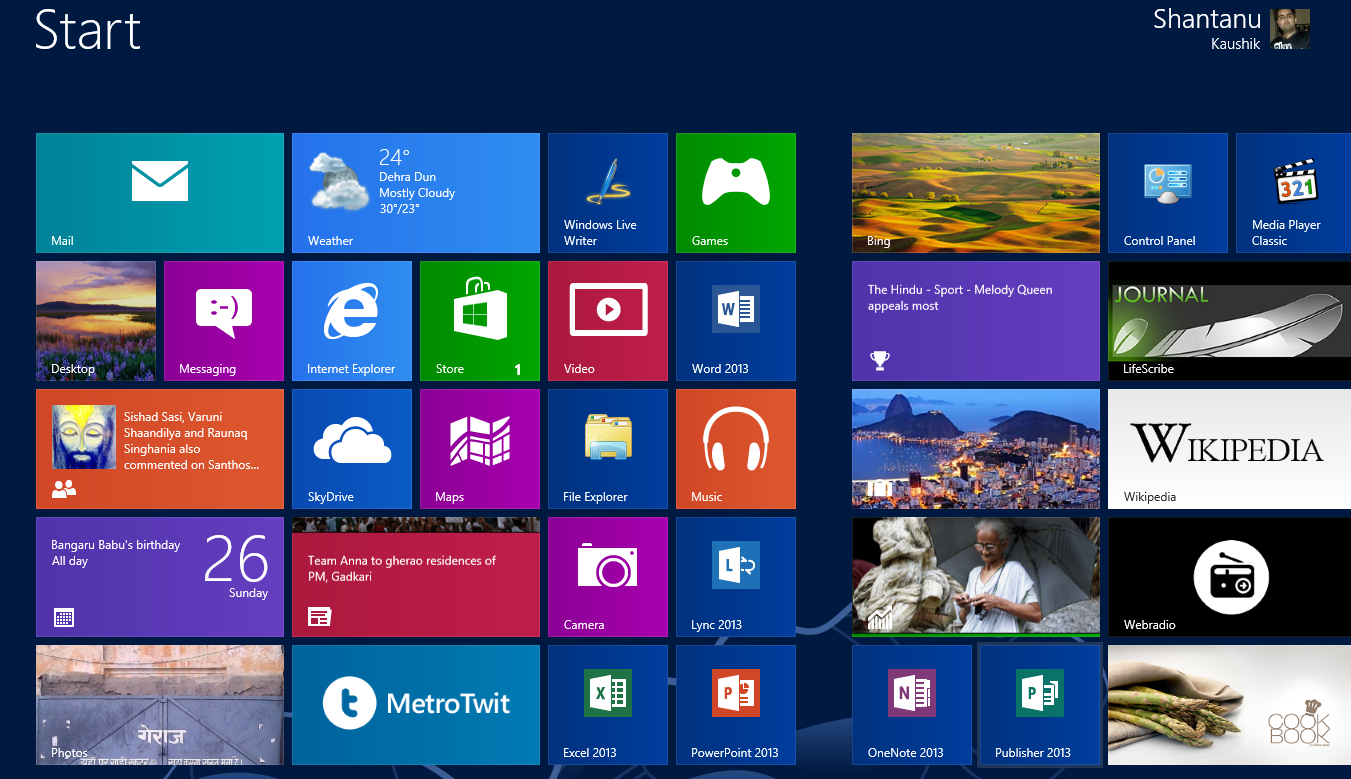
Historical support note: This guide covers the original Windows 8 interface, which reached end of support on January 12, 2016.
Windows 8 replaced the traditional Start menu with a full-screen Start experience and introduced the Charms interface. A few keyboard shortcuts made that interface much easier to navigate.
Useful Windows 8 shortcuts
- Windows key + X opens the power-user tools menu near the lower-left corner.
- Windows key + I opens the Settings charm for the current context.
- Windows key switches to the Start screen; pressing it again can return you to the previous desktop app.
Customize the Start screen
From the Start screen, Windows 8 allowed you to change its colors and background through PC settings. It also included options for showing administrative tools on Start.
Because Microsoft changed the Start experience substantially in Windows 8.1, Windows 10, and Windows 11, screenshots and menu locations in this archived guide should not be applied to those versions.
Official reference
- Microsoft: Windows support lifecycle: https://support.microsoft.com/en-us/windows/deployment/updates-lifecycle/what-does-it-mean-if-windows-isn-t-supported
Related posts
Browse all articles →
Fix Brightness Controls or Hotkeys Not Working in Windows 8, 7, Vista, or XP — Historical Guide
Historical troubleshooting for laptop brightness sliders and function keys that stop working on older Windows versions.

Use DISM to Repair the Windows 8 or 8.1 Component Store (Historical)
Check and repair Windows 8/8.1 component-store corruption with DISM, then run System File Checker to repair protected system files.
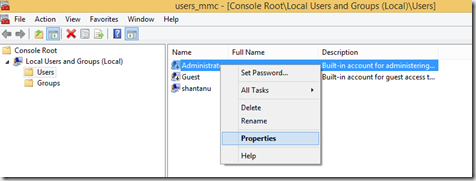
How to Enable the Built-in Administrator Account in Windows 8.1 (Historical)
Enable the built-in Windows 8.1 Administrator account only when necessary, set a strong password, and disable it again after troubleshooting.