Windows guides
How to Rebuild the BCD in Windows 10 or Windows 8.1
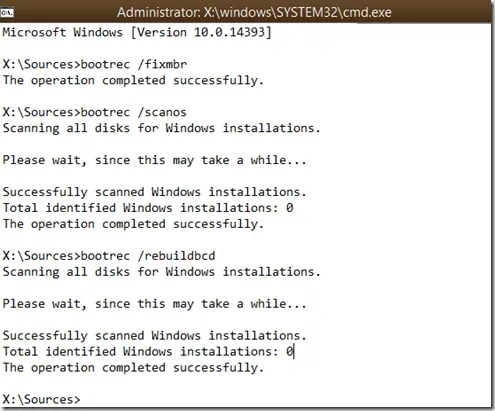
Repair Boot Configuration Data from Windows Recovery Environment, using Startup Repair first and Bootrec or BCDBoot only when needed.
26 articles
Repair Boot Configuration Data from Windows Recovery Environment, using Startup Repair first and Bootrec or BCDBoot only when needed.
Check and repair Windows 8/8.1 component-store corruption with DISM, then run System File Checker to repair protected system files.
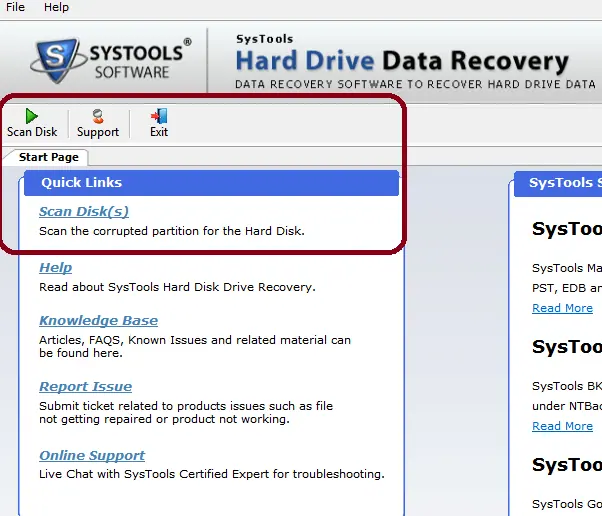
An edited archive of a 2014 hands-on review of SysTools Hard Drive Data Recovery, with current product context separated from the original test results.
A historical review of Ultimate Windows Tweaker 3 for Windows 8 and 8.1, with the original feature set separated from newer UWT releases.
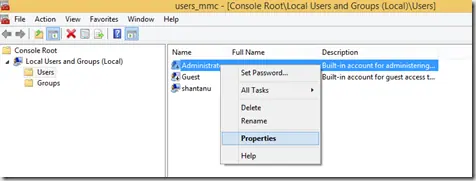
Enable the built-in Windows 8.1 Administrator account only when necessary, set a strong password, and disable it again after troubleshooting.
A historical Windows 8 guide explaining why users installed Windows Live Mail for POP support; Windows Essentials 2012 is now unsupported and unavailable from Microsoft.
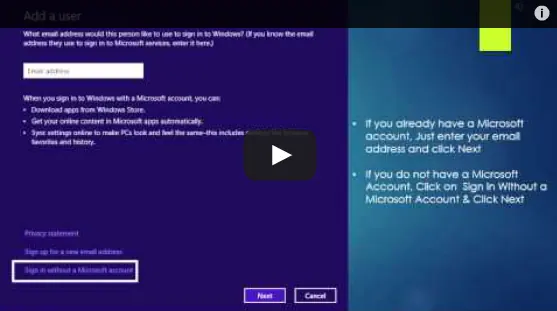
Historical Windows 8 guide to adding a Microsoft account and enabling the operating system's original settings-sync experience across Windows 8 devices.
Historical Windows 8 video guide to the Settings charm, including app-specific settings and common system controls.
Historical Windows 8 video guide to the Start and Devices charms and what each one did.
Historical Windows 8 guide to sharing content from compatible apps through the Share charm.
Connect and configure a second display in Windows 8 using the Project/Second Screen controls and the Windows+P shortcut.
Archived 2013 hands-on review of Stellar Phoenix Windows Data Recovery after recovering files from a 2 TB drive that appeared as RAW in Windows.
Historical guidance for restricting USB mass-storage access without disabling unrelated USB keyboards, mice, printers, and other peripherals.
Use Windows Recovery and Bootrec to repair master boot code on a Windows 8 installation that actually uses legacy BIOS/MBR booting.
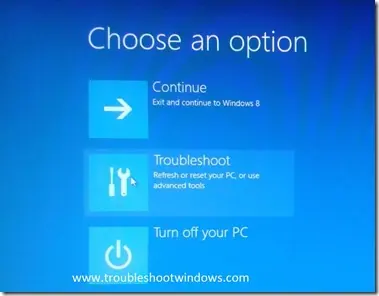
Historical Windows 8 guide to opening Windows Recovery Environment and choosing repair, restore, refresh, or command-line tools.
Historical Windows 8 video tip showing how to launch apps and find programs quickly from the Start screen.
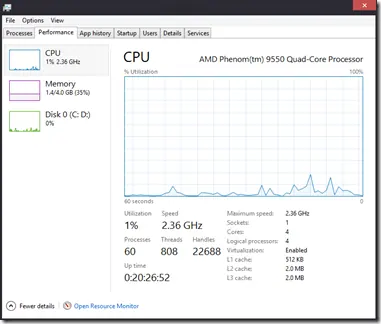
A tour of the redesigned Windows 8 Task Manager, including Processes, Performance, App history, Startup, Users, Details, and Services.
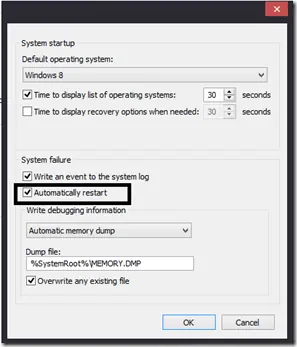
Historical Windows guide to keeping a blue-screen stop message visible by disabling automatic restart after a system failure.
Historical Windows 8 guide to the Refresh your PC recovery feature and what it keeps, removes, and reinstalls.
Original October 26, 2012 launch-day commentary on Windows 8, lightly edited for clarity and preserved as a historical opinion piece.