Share folders between Windows 11 PCs over your home or office LAN using modern file sharing, network discovery, user permissions, and mapped network drives.
Improve gaming performance in Windows 11 using Game Mode, Graphics settings, windowed-game optimizations, drivers, and display settings instead of risky registry tweaks.
Move an eSIM to a new Android phone during setup or later, understand carrier requirements, and troubleshoot activation without deleting the working line too early.
Windows on Arm has improved dramatically with Prism emulation and more native apps. Here is what works well now and what still deserves a compatibility check before buying.
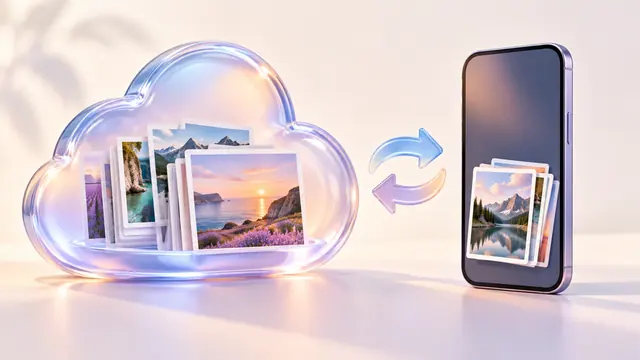
Use Google Photos Free up space safely on Android by confirming backup first and understanding the difference between Delete, Delete from device, and cloud copies.
File Explorer freezing or refusing to open in Windows 11? Restart Explorer, update Windows, isolate shell extensions, repair system files, and use Windows repair before resetting the PC.
iCloud Photos is a synchronized photo library, not an external hard drive. Learn how Optimize iPhone Storage works and why deleting photos deletes them from iCloud too.
Check Quick Machine Recovery requirements, prepare a supported connection, and interpret no-fix, network-error and repeated-recovery outcomes before choosing another tool.
Fix Bluetooth pairing and connection problems in Windows 11 by checking pairing mode, battery, saved devices, Windows updates, and the Bluetooth driver.
Missing iCloud photos or devices out of sync? Check Apple Account, sync status, storage, Shared Library, Recently Deleted, network, and iCloud for Windows before resetting anything.
Task Manager showing 100% disk usage in Windows 11? Identify the process causing it before disabling services, changing registry values, or replacing the drive.
Google Drive for desktop stuck syncing, offline, or showing errors? Diagnose storage, network, account, file, stream, and mirror problems without deleting unsynced work.