Missing iCloud photos or devices out of sync? Check Apple Account, sync status, storage, Shared Library, Recently Deleted, network, and iCloud for Windows before resetting anything.
Task Manager showing 100% disk usage in Windows 11? Identify the process causing it before disabling services, changing registry values, or replacing the drive.
Google Drive for desktop stuck syncing, offline, or showing errors? Diagnose storage, network, account, file, stream, and mirror problems without deleting unsynced work.
Fix a Windows 11 app without immediately reinstalling it. Learn the difference between Repair and Reset, when app data is removed, and what to do for traditional desktop programs.
Windows 11 CPU usage stuck near 100%? Use Task Manager, updates, process identification, malware scanning, and clean boot testing before changing services.
If a Mac can open files on an external SSD but cannot save to it, check whether the drive is NTFS and choose the right format for Mac-only or cross-platform use.
No speakers or headphones listed in Windows 11? Check the selected output, Device Manager, audio driver, enhancements, and Windows audio troubleshooting.
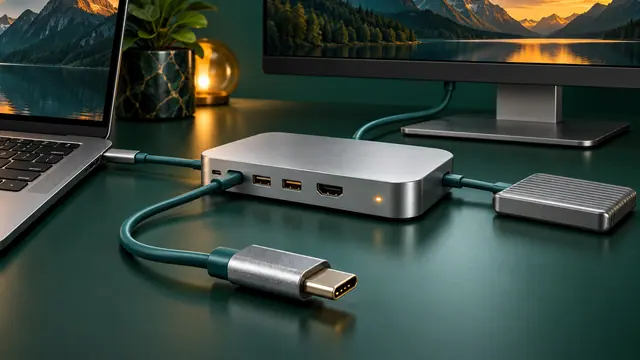
Troubleshoot USB-C docks by separating power, data, display, cable, host-port, firmware, and driver problems instead of assuming every USB-C port has the same capabilities.
Windows 11 waking by itself, refusing to sleep, or draining battery overnight? Use powercfg and SleepStudy to identify the real cause before changing settings.
Understand USB Power Delivery, charger wattage, cable ratings, multi-port power sharing, dock passthrough, battery limits, and why a USB-C plug alone does not guarantee laptop charging.
Printer offline, not found, stuck in queue, or refusing to print? Use the Windows 11 printer troubleshooter and work through connection, spooler, driver, and reinstall steps safely.
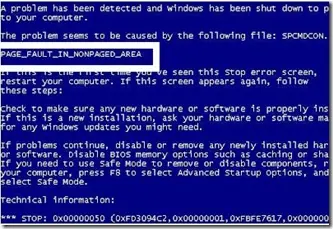
Distinguish a Windows stop-code crash from a blank display, collect useful evidence, and choose a targeted recovery step without guessing from screen colour.