Windows guides
How to Use the Settings Charm in Windows 8 — Video Guide (Historical)
Historical Windows 8 video guide to the Settings charm, including app-specific settings and common system controls.
181 articles · Page 6
Historical Windows 8 video guide to the Settings charm, including app-specific settings and common system controls.
Historical Windows 8 video guide to the Start and Devices charms and what each one did.
Historical Windows 8 guide to sharing content from compatible apps through the Share charm.
Historical Windows 8 guide to using the Search charm for apps, settings, and files.
Connect and configure a second display in Windows 8 using the Project/Second Screen controls and the Windows+P shortcut.
Historical Windows 7 troubleshooting for activation error 0x80070005 when licensing access is blocked by permissions or Plug and Play policy settings.
Historical troubleshooting for a Recycle Bin icon that remains stuck in its full or empty state in Windows Vista or Windows XP.
Archived 2013 hands-on review of Stellar Phoenix Windows Data Recovery after recovering files from a 2 TB drive that appeared as RAW in Windows.
Historical guidance for restricting USB mass-storage access without disabling unrelated USB keyboards, mice, printers, and other peripherals.
Restore the classic Quick Launch toolbar in Windows 7 using the built-in Quick Launch folder.
Safer data-first troubleshooting for a Windows drive or partition that suddenly appears as RAW and cannot be opened.
Historical troubleshooting for Windows 7/Vista when Explorer repeatedly forgets saved folder-view settings.
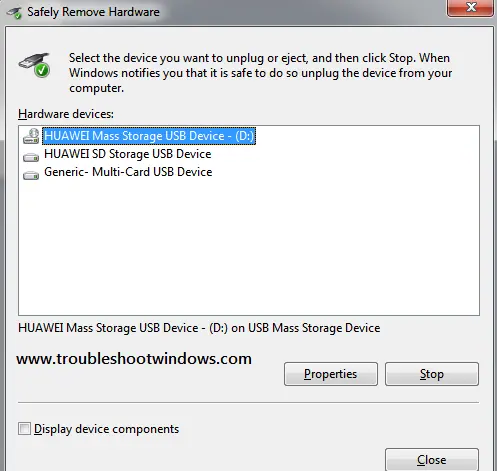
Historical Windows 7/Vista troubleshooting for the Safely Remove Hardware icon or dialog when removable devices are connected.
Historical troubleshooting for Internet Explorer video playback problems, updated to remove obsolete Flash, Silverlight, and Java installation advice.
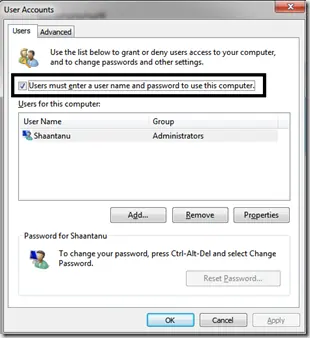
Historical Windows 7 troubleshooting for the Microsoft-documented Interactive Logon Process Initialization Failure, including the automatic-logon trigger.
Safer legacy troubleshooting for a keyboard or mouse that works before Windows loads but stops responding at or after sign-in.
Historical Windows 8 startup-recovery guidance for a blank screen or failure to boot after a crash, power loss, shutdown, or hibernation problem.
Historical Windows 8 troubleshooting for a firewall that cannot be enabled, including required services, third-party security conflicts, system-file repair, and firewall reset.
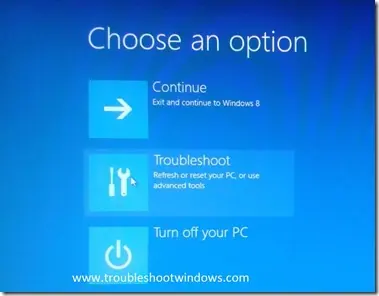
Use Windows Recovery and Bootrec to repair master boot code on a Windows 8 installation that actually uses legacy BIOS/MBR booting.
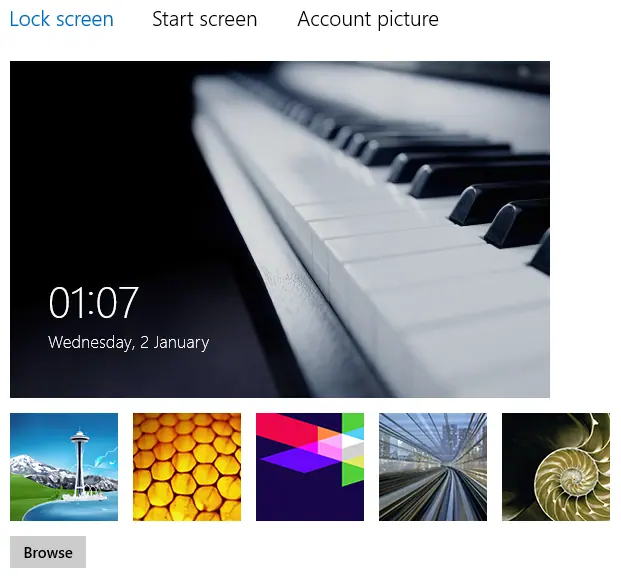
Historical Windows 8 troubleshooting when lock-screen personalization is blocked or the selected image does not appear.