Windows guides
How to Add an Email Signature in the Windows 8 Mail App — Historical Guide
Historical Windows 8 guide to adding an email signature in the original Mail app using the Settings charm and account options.
181 articles · Page 9
Historical Windows 8 guide to adding an email signature in the original Mail app using the Settings charm and account options.
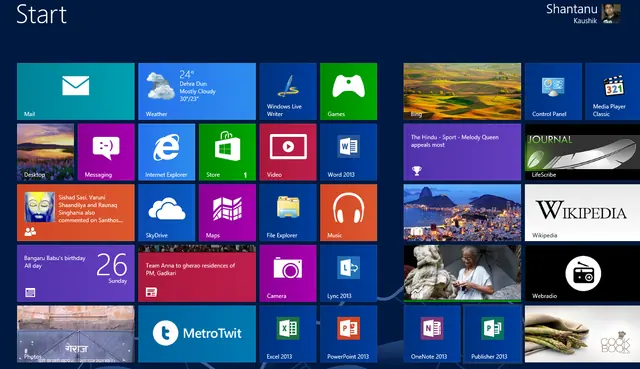
Historical guide to Windows 8 Start screen customization and keyboard shortcuts such as Windows+X and Windows+I.
Archive note on Microsoft introducing its four-color square logo and Segoe wordmark in August 2012, its first major corporate logo change since 1987.
Historical troubleshooting guide for the 0x0000007B INACCESSIBLE_BOOT_DEVICE blue-screen error in Windows 7, Vista, and XP.
Historical battery-life troubleshooting for Windows 8, 7, Vista, and XP laptops, focusing on power settings, brightness, background activity, devices, and battery health.
Historical Windows 7 guide to diagnosing bug check 0x7F UNEXPECTED_KERNEL_MODE_TRAP, including cases noticed after Service Pack 1.
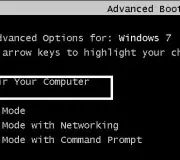
Historical Windows 7 and Vista clean-boot procedure for isolating background service and startup-program conflicts.
Historical troubleshooting for repeated Windows Explorer crashes in Windows 7, Vista, and XP, using system-file checks, clean boot, restore, and driver/app isolation.
Historical archive entry from August 2012 covering early Windows 8 RTM availability for MSDN and TechNet subscribers ahead of the October 26 launch.
Historical Windows 7 and Vista recovery guide for a damaged user profile that triggers “The User Profile Service failed the logon.”
Historical Windows 7 and Vista recovery guide for the “BOOTMGR is missing” startup error, using boot-order checks, Startup Repair, System Restore, and BCD repair when appropriate.
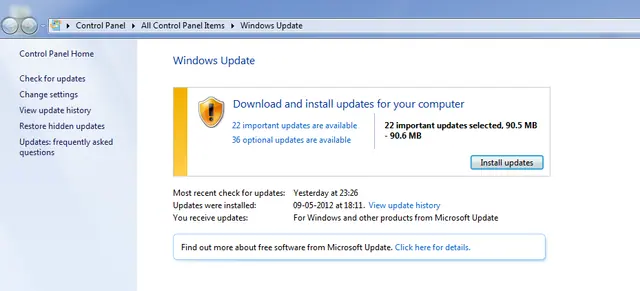
Historical troubleshooting for Windows Update error 0x8000FFFF in Windows 7 and Vista, with safer cache and system-integrity checks.
Historical performance troubleshooting for Windows 7, Vista, and XP PCs, focusing on startup load, storage, RAM, malware, thermals, and power settings.
Historical Windows 7, Vista, and XP guide to diagnosing file and folder copy, move, rename, delete, permission, and Explorer problems.
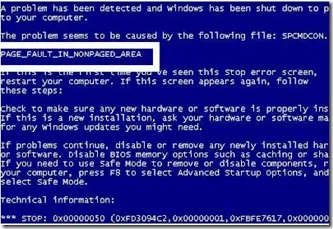
To find out the specific error code, prevent Windows from restarting automatically when the system crashes. Here’s how:
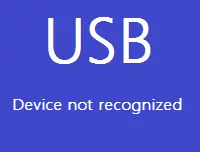
Historical USB troubleshooting for Windows 7, Vista, and XP, covering ports, hubs, power, drivers, chipset support, and device isolation.
Historical troubleshooting for flickering, scrambled graphics, or lines across a PC display, separating driver/app faults from cables, monitors, GPUs, and laptop display hardware.
Historical guide to clearing frozen print jobs in Windows 7, Vista, and XP by canceling the queue, restarting the spooler, and clearing spool files when necessary.
Historical troubleshooting for bug check 0x7A KERNEL_DATA_INPAGE_ERROR, focusing on storage I/O errors, bad sectors, cabling, RAM, and diagnostics.
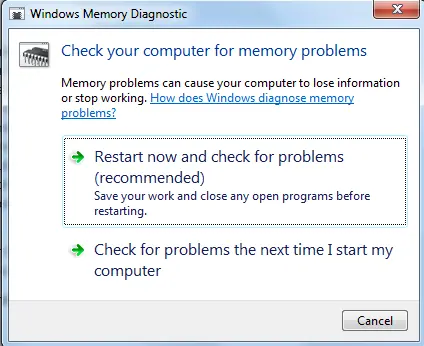
Guide to running Windows Memory Diagnostic on legacy Windows systems to check for memory errors, including Standard and Extended test options.