Windows guides
How to Activate Windows 10 or Windows 11
Check Windows activation status and activate Windows 10 or 11 with a digital license or valid product key. Includes current Windows 10 support context.
193 articles · Page 4
Check Windows activation status and activate Windows 10 or 11 with a digital license or valid product key. Includes current Windows 10 support context.
Create AI-generated images on a Windows 10 PC with Microsoft Designer in a web browser, write better prompts, and save the results without relying on Windows 11-only Paint features.
Find startup programs that do not appear in the normal Windows 11 Startup list by checking Startup folders and, for advanced troubleshooting, Microsoft Sysinternals Autoruns.
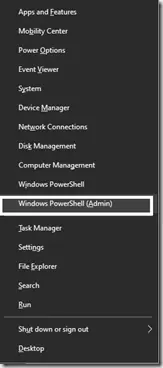
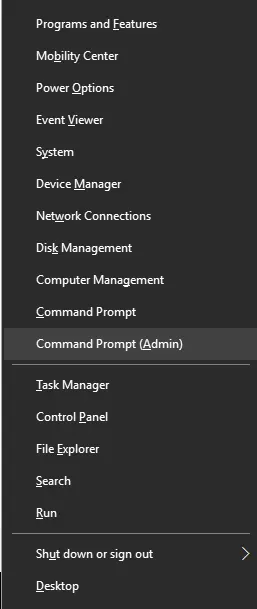
Historical Windows 10 instructions for switching the Win+X menu from Windows PowerShell to Command Prompt. This setting does not describe the current Windows 11 menu.
Step-by-step Windows 10 Safe Mode instructions using Windows Recovery Environment, including Safe Mode with Networking and recovery-media options.
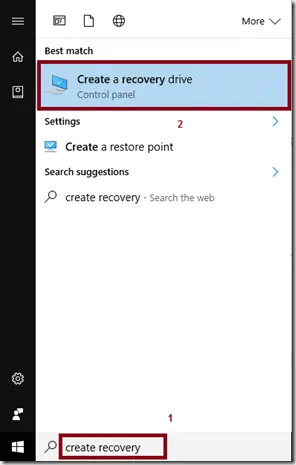
Create a Windows 10 recovery drive on an empty USB device and understand what the recovery drive does and does not back up.
Troubleshoot Windows 10 when Advanced startup or Windows Recovery Environment will not open, using supported WinRE checks and recovery media.
Troubleshoot boot error 0xc0000225 with Startup Repair first, then repair Boot Configuration Data only when needed.
Troubleshoot the DRIVER_PORTION_MUST_BE_NONPAGED (0xD3) stop error in Windows 10 by isolating drivers and recent hardware changes.
Use Windows Recovery Environment to repair the 'Your PC did not start correctly' loop in Windows 10 without jumping straight to destructive reset steps.
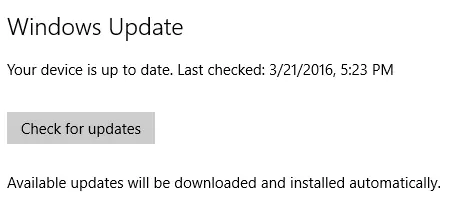
Use the Configure Automatic Updates policy in supported Windows 10 editions to notify before downloading updates instead of silently downloading them.
Back up a Windows 10 registry key or export the registry before making advanced changes, and learn how to restore the saved .reg file.
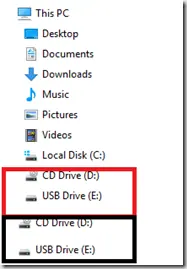
Historical Windows 10 registry workaround for the old File Explorer issue that displayed removable drives twice in the navigation pane.
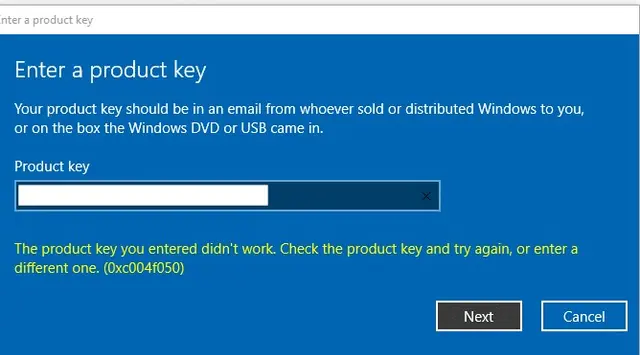
Troubleshoot Windows 10 activation error 0xC004F050 by checking the edition, product key, digital license, and Activation troubleshooter.
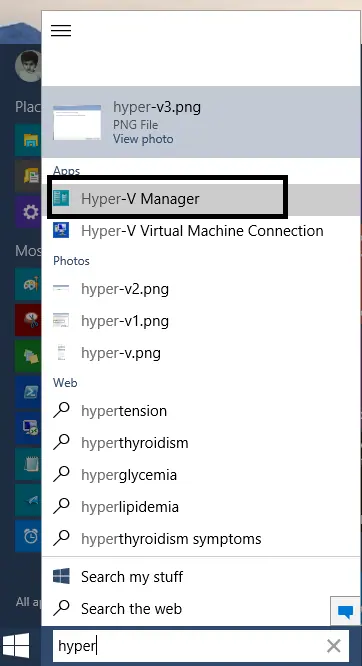
Create an external, internal, or private Hyper-V virtual switch in Windows 10 and attach virtual machines to the network you need.
Troubleshoot WordPress media upload HTTP errors by checking server limits, Site Health, logs, and WordPress memory settings instead of assuming one cause.
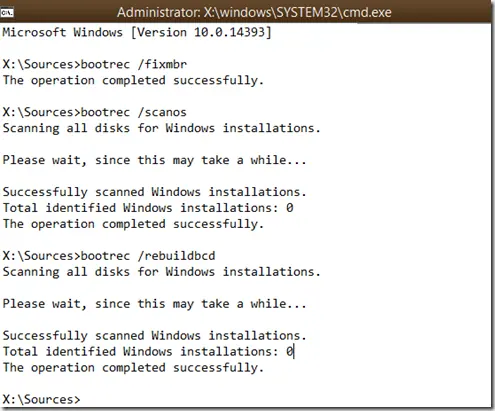
Repair Boot Configuration Data from Windows Recovery Environment, using Startup Repair first and Bootrec or BCDBoot only when needed.
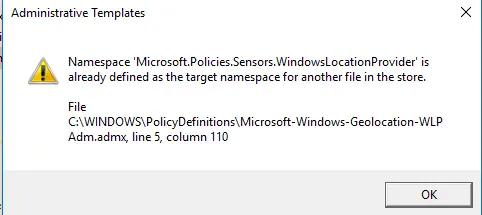
Historical fix for the Microsoft.Policies.Sensors.WindowsLocationProvider duplicate namespace error seen when early Windows 10 builds opened Group Policy Editor.
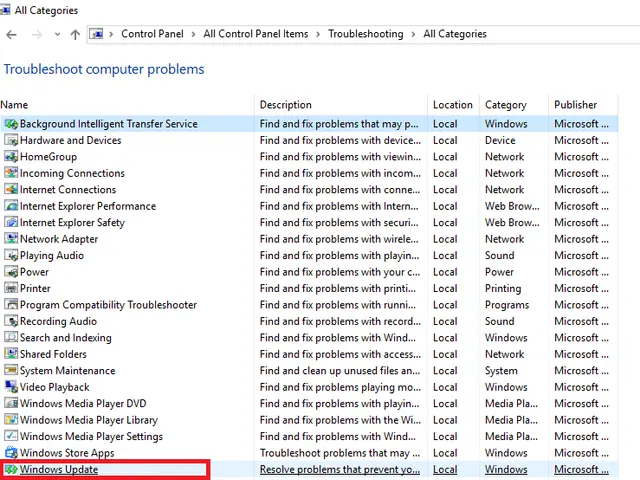
Run the Windows 10 Update troubleshooter through Get Help or Settings, interpret its findings, and verify whether the failing update actually installs.
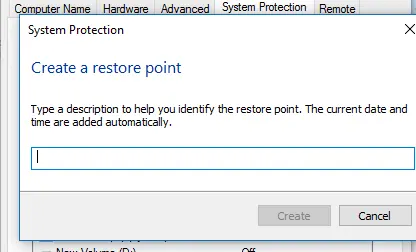
Create and verify a Windows 10 restore point, review affected programs before rollback, and recover safely when Windows cannot start.