Windows guides
Calibrate Your Display with Display Color Calibration in Windows 7 and 8 — Historical Guide
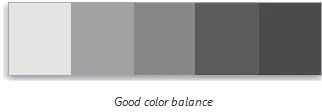
Historical Windows 7/8 guide to using Display Color Calibration for gamma, brightness, contrast, color balance, and ClearType.
74 articles · Page 4
Historical Windows 7/8 guide to using Display Color Calibration for gamma, brightness, contrast, color balance, and ClearType.
Historical steps for manually creating a wireless profile for a hidden SSID in Windows 7, Vista, and XP.
How to distinguish dead, stuck, and transient pixels, test a display safely, and decide when warranty or panel replacement is appropriate.
A historical look at Internet Explorer's evolution, preserved with context that IE 11 desktop support has ended and Microsoft Edge is the supported browser path.
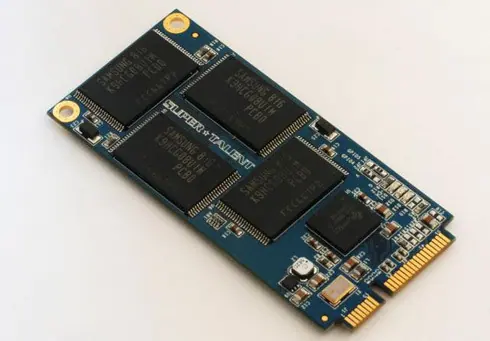
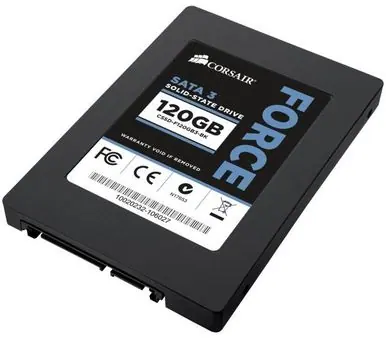
Updated historical SSD guidance explaining AHCI, TRIM, Windows drive optimization, indexing, write caching, and what not to disable on modern SSD-aware Windows releases.
Historical explanation of partition alignment, why modern Windows setup normally aligns partitions automatically, and why destructive DiskPart realignment should not be routine maintenance.
Historical Windows 8 guide to adding an email signature in the original Mail app using the Settings charm and account options.
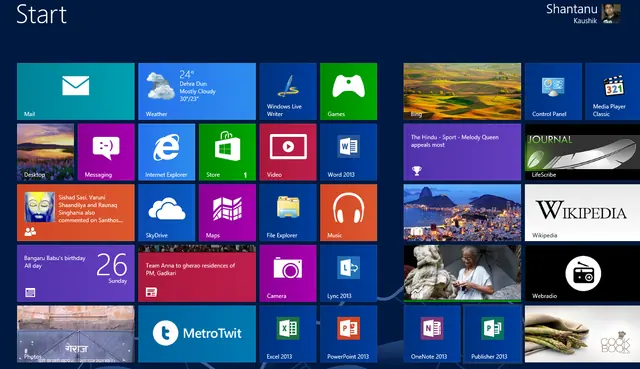
Historical guide to Windows 8 Start screen customization and keyboard shortcuts such as Windows+X and Windows+I.
Archive note on Microsoft introducing its four-color square logo and Segoe wordmark in August 2012, its first major corporate logo change since 1987.
Historical battery-life troubleshooting for Windows 8, 7, Vista, and XP laptops, focusing on power settings, brightness, background activity, devices, and battery health.
Historical Windows 7 and Vista clean-boot procedure for isolating background service and startup-program conflicts.
Historical archive entry from August 2012 covering early Windows 8 RTM availability for MSDN and TechNet subscribers ahead of the October 26 launch.
Historical guide to clearing frozen print jobs in Windows 7, Vista, and XP by canceling the queue, restarting the spooler, and clearing spool files when necessary.
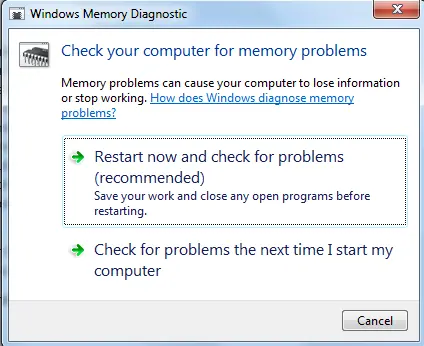
Guide to running Windows Memory Diagnostic on legacy Windows systems to check for memory errors, including Standard and Extended test options.