Windows guides
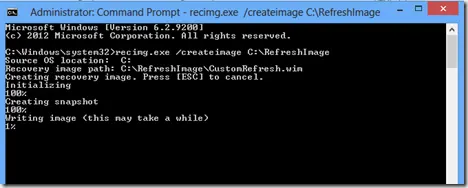
Create a Custom Refresh Image in Windows 8 with Recimg (Historical)
Historical Windows 8 guide to creating and registering a custom Refresh image with Recimg.exe; this recovery model does not apply to modern Windows releases.
74 articles · Page 3
Historical Windows 8 guide to creating and registering a custom Refresh image with Recimg.exe; this recovery model does not apply to modern Windows releases.
Historical troubleshooting for Windows Media Player full-screen freezes on Windows Vista, prioritizing graphics drivers, media-specific testing, and hardware diagnostics.
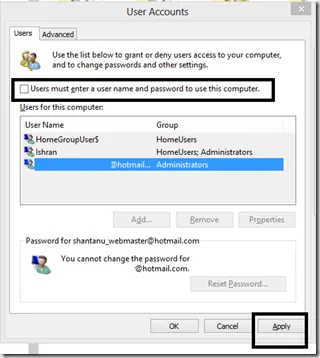
Historical Windows 8 guide to automatic sign-in, with a clear explanation that autologon stores reusable credentials and reduces physical-access security.
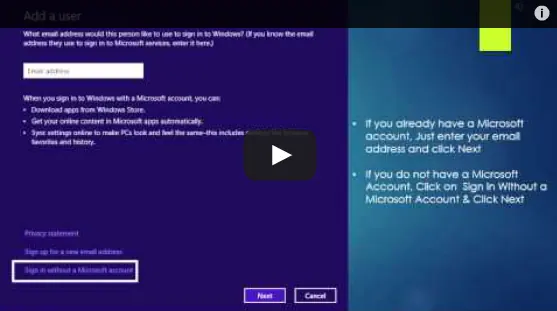
Historical Windows 8 guide to adding a Microsoft account and enabling the operating system's original settings-sync experience across Windows 8 devices.
Historical Windows 8 video guide to the Settings charm, including app-specific settings and common system controls.
Historical Windows 8 video guide to the Start and Devices charms and what each one did.
Historical Windows 8 guide to sharing content from compatible apps through the Share charm.
Historical Windows 8 guide to using the Search charm for apps, settings, and files.
Connect and configure a second display in Windows 8 using the Project/Second Screen controls and the Windows+P shortcut.
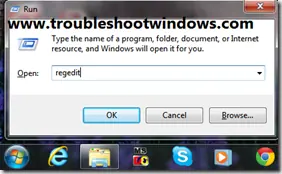
Historical guidance for restricting USB mass-storage access without disabling unrelated USB keyboards, mice, printers, and other peripherals.
Safer data-first troubleshooting for a Windows drive or partition that suddenly appears as RAW and cannot be opened.
Safer legacy troubleshooting for a keyboard or mouse that works before Windows loads but stops responding at or after sign-in.
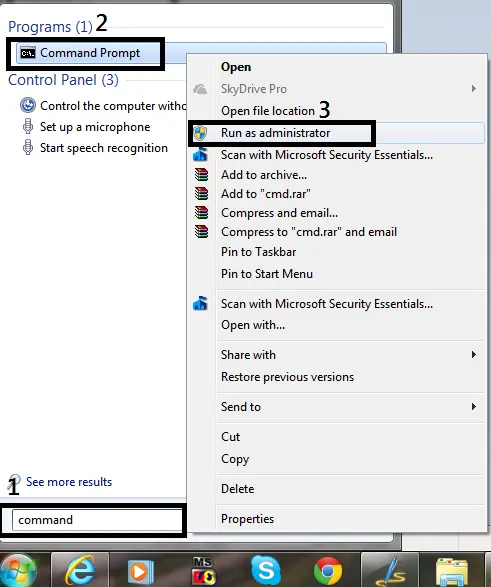
Historical guide to opening an elevated Command Prompt in Windows 8, Windows 7, and Windows Vista.
Historical video guide to Windows 8 Refresh your PC, including what it preserves and what must be reinstalled afterward.
Historical Windows 8 video tip showing how to launch apps and find programs quickly from the Start screen.
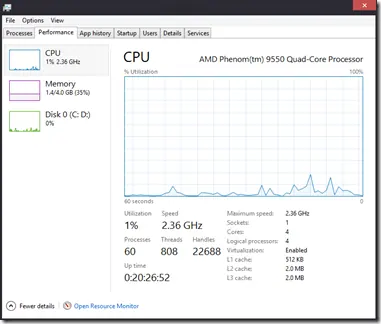
A tour of the redesigned Windows 8 Task Manager, including Processes, Performance, App history, Startup, Users, Details, and Services.
Historical guide to reducing automatic media execution in Windows 7, Vista, and XP using AutoPlay policy rather than error-prone registry edits.
A concise reference to Windows 8 keyboard shortcuts for Charms, Search, app switching, snapping, settings, and the power-user menu.
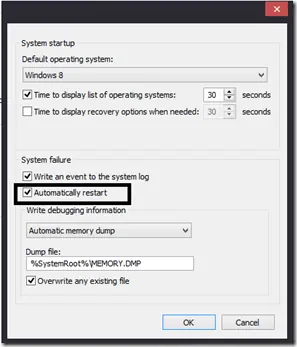
Historical Windows guide to keeping a blue-screen stop message visible by disabling automatic restart after a system failure.
Historical Windows 8 Mail app guide to adding another provider account through Settings > Accounts > Add an account.